HP ProBook 4 G1a 14 BP8C2UA Driver Download (Windows 11)
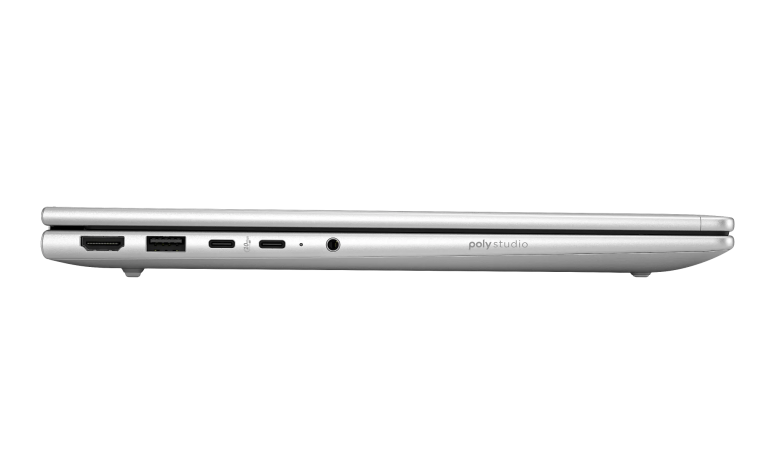
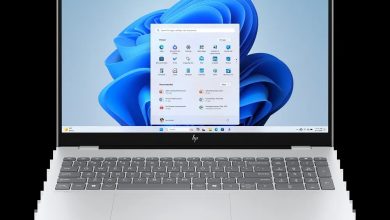
This HP ProBook 4 G1a 14 BP8C2UA driver download page brings together all 45 official drivers for the HP ProBook 4 G1a 14 Notebook AI PC Wolf Pro Security Edition (BP8C2UA) on Windows 11 (64-bit). Every package below comes straight from HP's official servers, covering the BIOS, chipset, AMD graphics, Wi-Fi and Bluetooth, dock firmware, and the Wolf Security tools that ship with this business notebook.
Use the Driver Index to jump to the category you need, or install the packages in order starting with the chipset and graphics drivers. Each download panel shows the exact file name, version, and size, so you can confirm you are getting the right setup file before you run it.
Before you start: make sure your laptop is running Windows 11 64-bit, and keep it plugged into AC power while installing BIOS or firmware updates — never interrupt a firmware update once it has started.
HP ProBook 4 G1a 14 BP8C2UA Driver Index
- BIOS and Firmware
- Diagnostics
- Docks Firmware and Driver
- Audio
- Chipset
- Driver Enabling
- Graphics
- Keyboard, Mouse and Input Devices
- Network
- HP Connection Optimizer
- Security
- Software & Utilities
- Installation Steps
- Driver FAQs
BIOS and Firmware
Diagnostics
Docks Firmware and Driver
Audio
Chipset
Driver Enabling
Graphics

HP ProBook 4 G1a 14 BP8C2UA AMD Video Drivers and Control Panel sp168699.exe
Keyboard, Mouse and Input Devices
Network
HP Connection Optimizer
Security
Software & Utilities
Installation Steps
- Download the driver package you need from the section above and save it to a folder you can find easily.
- Double-click the downloaded setup file. If Windows asks for permission, click Yes to run it as an administrator.
- Follow the on-screen installer prompts, then restart your laptop when the installer asks you to.
- Install BIOS and firmware updates only while the laptop is connected to AC power, and do not switch it off during the update.
- After restarting, open Device Manager to check that no device still shows a warning icon.
Driver FAQs
Where do I download the HP ProBook 4 G1a 14 BP8C2UA drivers?
You can download every official driver for this model from this HP ProBook 4 G1a 14 BP8C2UA driver download page. Each section above has its own download panel with the exact setup file, version, and size published by HP.
Which version of Windows do these drivers support?
All 45 drivers on this page are for Windows 11 (64-bit). They are not intended for Windows 10 or for Windows 11 on ARM, so confirm your laptop is running 64-bit Windows 11 before installing.
Do I need to install all 45 drivers?
No. Install the drivers for the hardware you actually use. The chipset, graphics, audio, and network drivers are the essential ones for most users; dock firmware is only needed if you use an HP USB-C or Thunderbolt dock, and the security tools are optional if your organisation manages them separately.
What should I do if a driver fails to install?
First, make sure you downloaded the right file for Windows 11 64-bit and that you ran it as an administrator. Restart the laptop and try again. If it still fails, uninstall the older version of that driver from Settings, restart once more, and then run the new installer.