HP ProBook 4 G1a 16 D6DS5UA Driver Download (Windows 11)
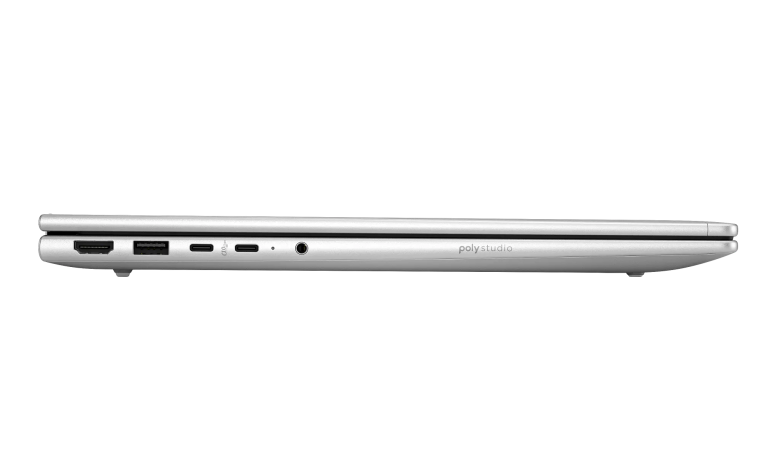
Looking for the HP ProBook 4 G1a 16 D6DS5UA driver download for Windows 11? This page brings together all 44 official drivers for the HP ProBook 4 G1a 16 inch Notebook AI PC Wolf Pro Security Edition (D6DS5UA), each as its own download panel with the exact file name, version, and size. Every package comes straight from HP's official servers for this exact SKU.
Use the Driver Index below to jump to the category you need, or install the packages in order starting with the chipset and graphics drivers. Each download panel shows the exact file name, version, and size, so you can confirm you have the right file before you run it.
Before you start: make sure your laptop is running Windows 11 64-bit, and keep it plugged into AC power while installing BIOS or firmware updates — never interrupt a firmware update once it has started.
HP ProBook 4 G1a 16 D6DS5UA Driver Index
- BIOS and Firmware
- Diagnostics
- Docks Firmware and Driver
- Audio
- Chipset
- Driver Enabling
- Graphics
- Keyboard, Mouse and Input Devices
- Network
- HP Connection Optimizer
- Security
- Software & Utilities
- Installation Steps
- Driver FAQs
BIOS and Firmware
Diagnostics
Docks Firmware and Driver
Audio
Chipset
Driver Enabling
Graphics

HP ProBook 4 G1a 16 D6DS5UA AMD Video Drivers and Control Panel sp168699.exe
Keyboard, Mouse and Input Devices
Network
HP Connection Optimizer
Security
Software & Utilities
Installation Steps
- Install the AMD chipset driver first, then the AMD NPU driver, and restart your laptop.
- Install the AMD graphics drivers and the Realtek audio driver, then restart again.
- Install the network drivers — wireless LAN, Bluetooth, and Ethernet — for your connection hardware.
- Install the BIOS and firmware updates last, with the laptop plugged into AC power, and do not switch it off or close the lid while a firmware update is running.
- Restart the laptop one final time, then install only the HP utilities and Wolf Security tools you need.
Driver FAQs
Where do I download the HP ProBook 4 G1a 16 D6DS5UA drivers?
Right here — this HP ProBook 4 G1a 16 D6DS5UA driver download page lists all 44 official drivers for Windows 11, each as its own download panel with the exact file name, version, and size. Every package comes straight from HP's official servers for this exact SKU.
Which version of Windows do these drivers support?
All 44 drivers on this page are for Windows 11 (64-bit) on the HP ProBook 4 G1a 16 D6DS5UA. Install them on a 64-bit Windows 11 system; they are not intended for Windows 10 or for Windows 11 on ARM.
Do I need to install all 44 drivers?
No. Install the chipset, graphics, and network drivers first, then add only what your setup needs — dock firmware if you use a dock, the fingerprint or camera driver if your laptop has that hardware, and the Wolf Security tools if you use them. Skip any package for hardware you do not have.
What should I do if a driver fails to install?
First, check that you downloaded the right package for this model and that Windows 11 is fully updated, then run the installer again as an administrator. If it still fails, restart the laptop and try once more; if the problem continues, remove the older version of that driver from Settings or Device Manager and install the new package again.