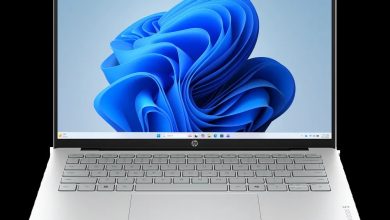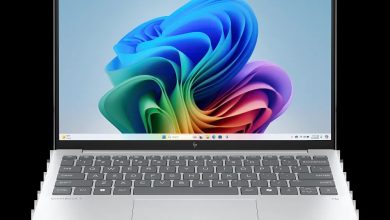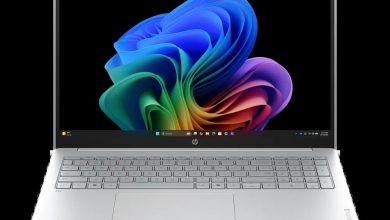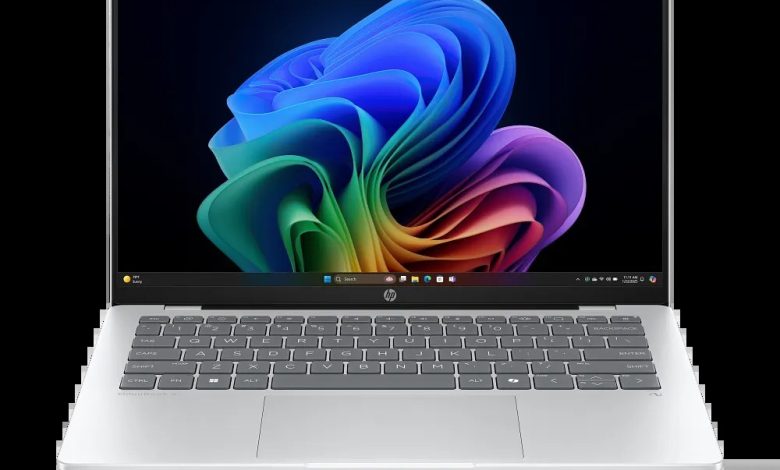
Looking for the HP OmniBook 5 14-he000 driver download? You are in the right place. This page has the official HP OmniBook 5 14-he000 driver packages for Windows 11 — the Qualcomm driver pack, touchscreen firmware, diagnostics and HP utilities — all with direct official HP download links.
The HP OmniBook 5 14-he000 is a 14-inch Next Gen AI laptop (configure-to-order SKU B81P1AV_1) powered by a Qualcomm Snapdragon processor (ARM64), not Intel or AMD. HP has no dedicated driver page for this CTO configuration, so the drivers below come from the official 14-he0000 base-model page.
ARM note: This model runs Windows 11 on Qualcomm Snapdragon (ARM). Install only the ARM64 drivers below. HP lists its extended driver set under the “Windows 11 on ARM” OS options on the support page — the generic Windows 11 list shown here covers the essential packages.
Firmware
- ELAN Touchscreen Firmware Update — eKTH3918N_0x6701 Rev.0x6701, May 7, 2026, 1.3 MB — sp172888.exe Download
Chipset
- Qualcomm Driver Pack — 8900 Rev.D, Jun 17, 2026, 229.0 MB — sp173598.exe Download
Chipset note: The Qualcomm Driver Pack bundles the core platform drivers (including graphics, audio, and wireless) for the Snapdragon processor. Install it first — it is the most important package on this page.
Diagnostics & Software
- HP PC Hardware Diagnostics UEFI (ARM64) — 10.8.6.0 Rev.A, May 11, 2026, 48.1 MB — sp172932.exe Download
- HP Privacy Settings — 1.4.17.0 Rev.A, Jan 2, 2026, 283.6 MB — sp168489.exe Download
- HP AI Companion Package (Windows 11 ARM64) — 2.6.1003.0 Rev.A, Dec 1, 2025, 4033.9 MB — sp165910.exe Download
- HP Cloud Recovery Tool — available on the Microsoft Store — Get it here
How to Install HP OmniBook 5 14-he000 Drivers
- Download the Qualcomm Driver Pack first — it covers the core platform drivers for the Snapdragon processor.
- Run the downloaded .exe file (double-click it) and follow the on-screen instructions.
- Restart your laptop when the installer asks you to, so the driver loads properly.
- Verify in Device Manager — no yellow warning icons should remain; remaining updates arrive through Windows Update.
Frequently Asked Questions (FAQ)
Where can I download HP OmniBook 5 14-he000 drivers for Windows 11?
Right here — every link above points to HP’s official download servers (ftp.hp.com), the same files HP’s support site offers.
Is the OmniBook 5 14-he000 an ARM laptop?
Yes. It runs on a Qualcomm Snapdragon (ARM64) processor, so it needs ARM64 drivers — do not install Intel or AMD driver packages on it.
Where are the Wi-Fi and graphics drivers for the 14-he000?
They are bundled inside the Qualcomm Driver Pack above, and the rest arrive through Windows Update. HP’s extended per-device list appears under the “Windows 11 on ARM” OS options on the support page.
My SKU is B81P1AV_1 — will these drivers work?
Yes. HP does not publish a separate driver page for the 14-he000 configure-to-order build, so these are the official ARM64 packages from the matching 14-he0000 base-model page.
Source: HP official support page — HP OmniBook 5 14″ Laptop Next Gen AI PC 14-he0000 (base-model page for CTO SKU B81P1AV_1). Driver details verified from HP’s download listings. Always download the latest version available.