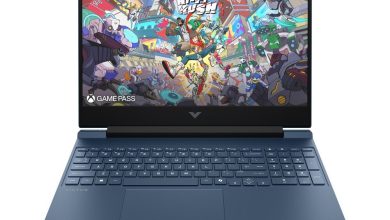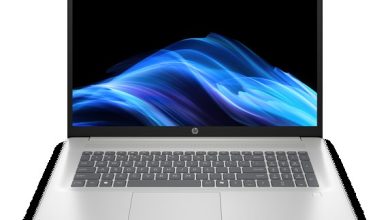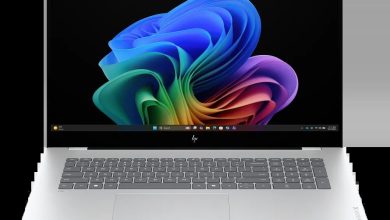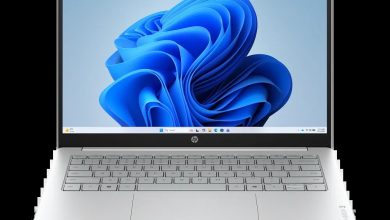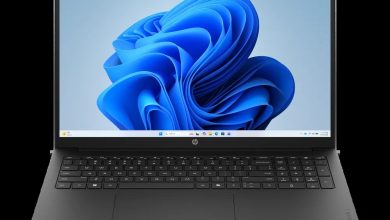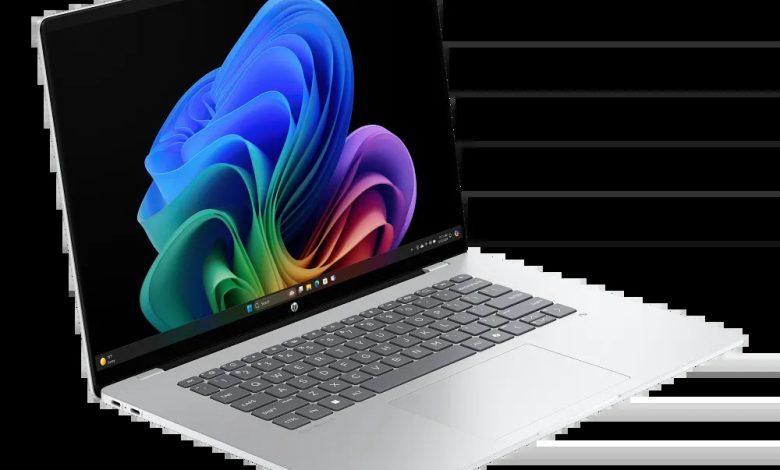
Looking for the HP OmniBook 5 Laptop Next Gen AI 16-fb0037nr driver download? You are in the right place. This is a Qualcomm Snapdragon (ARM64) laptop running Windows 11 on ARM — a completely different driver set from Intel/AMD models — and every official driver is below with direct official HP download links.
The HP OmniBook 5 Laptop Next Gen AI 16-fb0037nr (SKU BX7N1UA) runs Windows 11 on ARM with a Qualcomm Snapdragon processor. Install the Qualcomm Driver Pack first — it covers graphics, audio, Wi-Fi/Bluetooth and platform devices in one package — then the firmware updates and the HP AI Companion package. Never install Intel or AMD driver packages on this ARM64 machine; they will not work.
HP OmniBook 5 Laptop Next Gen AI 16-fb0037nr Drivers & Firmware
- Qualcomm Driver Pack — 7800 Rev.D, Jul 14, 2025, 211.8 MB — sp161458.exe Download
- HP AI Companion Package (Windows 11 ARM64) — 2.6.1003.0 Rev.A, Dec 1, 2025, 4033.9 MB — sp165910.exe Download
- SanDisk Solid State Drives (SSD) Firmware Update — HPS3N7A/HPS3T7A Rev.A, May 12, 2026, 6.7 MB — sp172977.exe Download
- ELAN Touchscreen Firmware Update — eKTH3918N_0x6701 Rev.0X6701, May 8, 2026, 1.1 MB — sp172893.exe Download
ARM64 warning: Install the Qualcomm Driver Pack first — it is the core driver set for this machine. Do not install any Intel or AMD driver packages meant for x64 laptops.
Software & Utilities
- HP PC Hardware Diagnostics UEFI (ARM64) — 10.8.4.0 Rev.A, Dec 11, 2025, 48.9 MB — sp167304.exe Download
How to Install the HP OmniBook 5 Laptop Next Gen AI 16-fb0037nr Drivers
- Confirm you are running Windows 11 on ARM (64-bit) — Settings → System → About should show an ARM-based processor.
- Install the Qualcomm Driver Pack first (it covers most devices), then restart.
- Install the two firmware updates (SanDisk SSD and ELAN touchscreen), then restart.
- Install the HP AI Companion package (a large ~4 GB download — use a stable connection).
- Never install Intel or AMD driver packages on this machine; they are built for x64 processors and will fail.
FAQs: HP OmniBook 5 Laptop Next Gen AI 16-fb0037nr Driver Download
Where can I download HP OmniBook 5 Laptop Next Gen AI 16-fb0037nr drivers?
Right here — every link above points to HP's official ftp.hp.com download servers for the 16-fb0037nr (SKU BX7N1UA) on Windows 11 on ARM (64-bit).
Can I install Intel drivers on the HP OmniBook 5 Next Gen AI 16-fb0037nr?
No. This is a Qualcomm Snapdragon (ARM64) machine. Install only the Qualcomm Driver Pack and the ARM64 packages listed above — Intel/AMD x64 drivers will not work.
Which driver should I install first on this ARM64 laptop?
The Qualcomm Driver Pack (sp161458.exe) — it is the core driver set covering graphics, audio, wireless and platform devices.
What is the HP AI Companion package?
It is HP's on-device AI feature package for Windows 11 ARM64 (sp165910.exe, ~4 GB). Install it after the Qualcomm Driver Pack if you want HP's AI features.