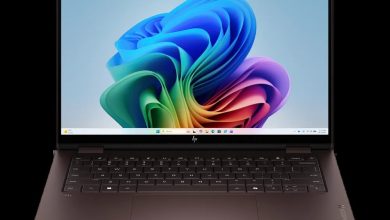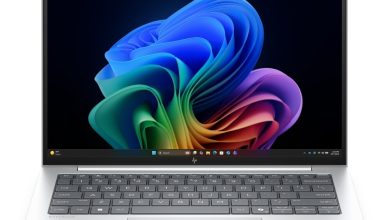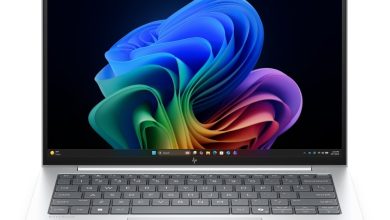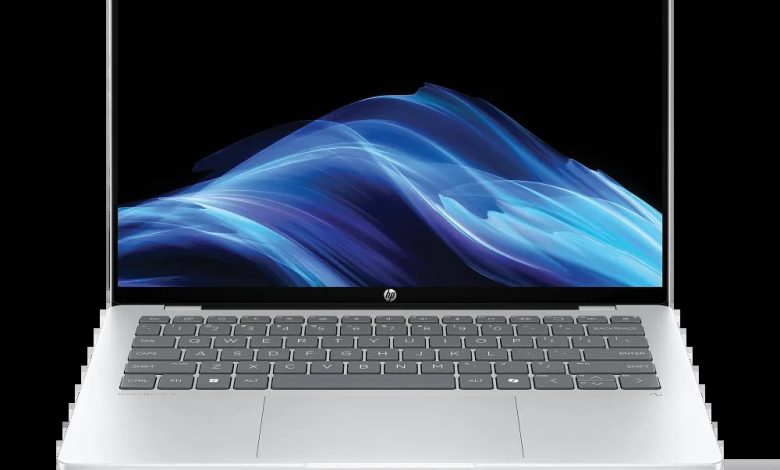
Official HP OmniBook 5 Laptop Next Gen AI 14-he0037nr driver download for Windows 11 on ARM (SKU BU1K3UA). This is a Qualcomm Snapdragon machine — install only the ARM64 packages below, and never install Intel or AMD driver packages on this laptop.
Snapdragon only: HP publishes the Snapdragon variant of the OmniBook 5 14 as the 14-he0037nr (BU1K3UA) for the US market. All packages below are Windows 11 ARM64 installers from HP’s official support page for this exact SKU. Installing Intel/AMD packages on this machine will fail or cause driver errors.
HP OmniBook 5 14-he0037nr driver list (Windows 11 ARM64)
- Qualcomm Driver Pack 8900 — sp163542.exe, version 8900.8900.2502.17.5 Rev.C, 1.1 GB — [sp163542.exe Download](https://ftp.hp.com/pub/softpaq/sp163501-164000/sp163542.exe)
- HP ARM64 Diagnostics UEFI — sp161984.exe, version 9.15.0.0 Rev.A, 40.5 MB — [sp161984.exe Download](https://ftp.hp.com/pub/softpaq/sp161501-162000/sp161984.exe)
- ELAN Precision Touchpad Driver — sp160512.exe, version 29.10.45.1 Rev.A, 26.9 MB — [sp160512.exe Download](https://ftp.hp.com/pub/softpaq/sp160501-161000/sp160512.exe)
How to install the HP OmniBook 5 14-he0037nr drivers
- Download each ARM64 package above using the official HP links.
- Run each installer and follow the on-screen steps.
- Restart the laptop after all drivers are installed.
FAQs
Does the HP OmniBook 5 14-he0037nr need Intel drivers?
No. The 14-he0037nr is a Snapdragon X Plus machine, so it needs ARM64 drivers only. Intel or AMD packages will not install correctly on this laptop.
Which driver pack covers most devices on the HP OmniBook 5 14-he0037nr?
The Qualcomm Driver Pack 8900 (sp163542.exe) covers the chipset, Wi-Fi, Bluetooth and audio components for this ARM64 laptop.