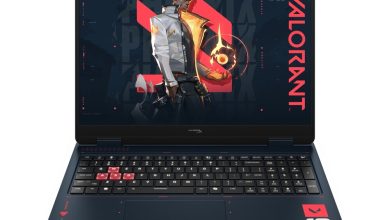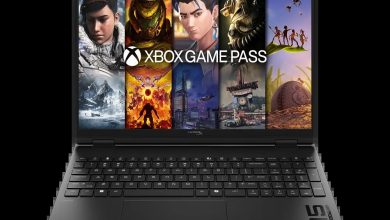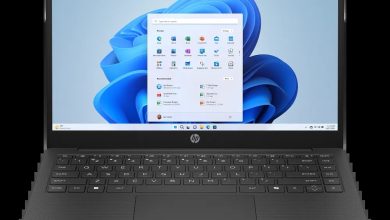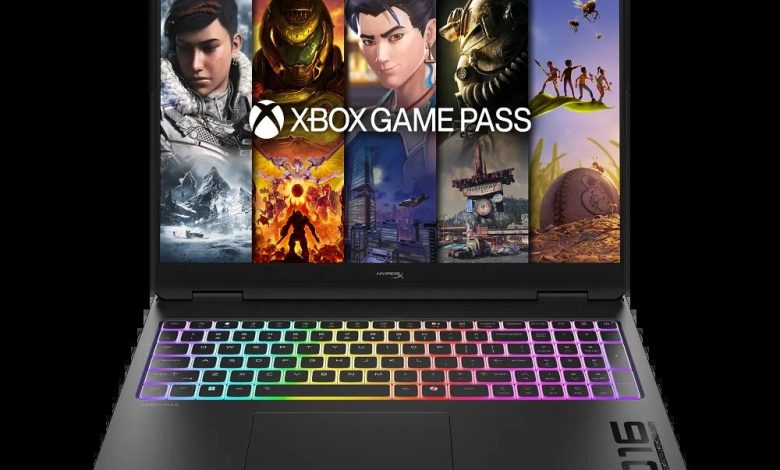
Official HyperX OMEN MAX 16 (D9KL9UA) driver download for Windows 11 — Intel Core Ultra 7 gaming laptop with NVIDIA GeForce graphics. Install in gaming order: chipset, Intel graphics, then the NVIDIA GeForce driver, followed by audio and network. All links below point to HP’s official servers.
BIOS & Firmware
- HP Notebook System BIOS Update (Intel Processors) — F.06 Rev.A — Oct 7, 2026 — 16.8 MB — sp174730.exe Download
- HP PC Hardware Diagnostics UEFI — 10.8.7.0 Rev.A — Jul 8, 2026 — 40.6 MB — sp173795.exe Download
- SanDisk Solid State Drives (SSD) Firmware Update — HPS3 Rev.A — May 13, 2026 — 1.7 MB — sp173073.exe Download
Chipset & Platform
- Intel Movidius Vision Processing Unit (VPU) Driver — 32.0.100.4512 Rev.C — Apr 9, 2026 — 33.6 MB — sp172345.exe Download
- Intel Chipset Installation Utility and Driver — 10.1.20378.8757 Rev.C — 0.7 MB — sp172340.exe Download
- Intel Serial IO Driver — 30.100.2529.2 Rev.C — Apr 9, 2026 — 1.0 MB — sp172343.exe Download
- Intel Gaussian and Neural Accelerator Driver — 3.5.0.1611 Rev.C — Mar 20, 2026 — 0.8 MB — sp171957.exe Download
- Intel Platform Monitoring Technology (PMT) — 3.1.2.6 Rev.C — Apr 9, 2026 — sp172331.exe Download
- Intel Management Engine Interface (MEI) Driver — 2552.8.10.0 Rev.C — Apr 9, 2026 — 14.2 MB — sp172342.exe Download
- Intel Innovation Platform Framework Processor Participant Driver — 2.3.20301.5054 Rev.C — Apr 27, 2026 — 54.6 MB — sp172627.exe Download
- Intel Human Interface Device (HID) Event Filter Driver — 2.2.2.17 Rev.C — Apr 9, 2026 — 0.8 MB — sp172346.exe Download
Graphics — HyperX OMEN MAX 16 inch Gaming Laptop PC 16
- Intel High-Definition (HD) Graphics Driver — 32.0.101.8509 Rev.C — Apr 9, 2026 — 565.2 MB — sp172336.exe Download
- NVIDIA GeForce Graphics Driver — 32.0.15.9215 Rev.A — Apr 8, 2026 — 1281.9 MB — sp172317.exe Download
Audio — HyperX OMEN MAX 16 inch Gaming Laptop PC 16
- Realtek High-Definition (HD) Audio Driver — 6.0.9963.1 Rev.B — May 4, 2026 — 859.2 MB — sp172752.exe Download
Network (Wi-Fi/Bluetooth)
- Intel Wireless LAN Driver — 24.10.0.4 Rev.A — Dec 18, 2025 — 15.2 MB — sp168463.exe Download
- MediaTek Bluetooth Driver — 2.22.0.85 Rev.E — Oct 28, 2025 — 7.0 MB — sp165551.exe Download
- MediaTek Wireless LAN Driver — 3.5.0.106 Rev.E — Nov 1, 2025 — 30.2 MB — sp165645.exe Download
- Intel Bluetooth Driver — 24.20.0.3 Rev.A — Feb 24, 2026 — 12.4 MB — sp171401.exe Download
Touchpad & Input
- Synaptics Precision Touchpad Filter Driver — 19.5.35.129 Rev.C — Jun 15, 2026 — 5.3 MB — sp173582.exe Download
Software & Utilities
- HP Privacy Settings — 1.4.17.0 Rev.A — Jan 2, 2026 — 283.6 MB — sp168489.exe Download
- OMEN Gaming Hub SDK Package — 1.0.95 Rev.A — Aug 21, 2026 — 211.3 MB — sp174350.exe Download
How to Install
- Download the Intel Chipset Installation Utility first, then the Intel HD Graphics driver.
- Install the NVIDIA GeForce Graphics Driver next — reboot before moving on.
- Add the Realtek audio driver, then Wi-Fi/Bluetooth for your card (Intel or MediaTek).
- Finish with the OMEN Gaming Hub SDK Package for full gaming control.
FAQs
How do I get the HyperX OMEN MAX 16 (D9KL9UA) driver download for Windows 11?
Right here — every driver link above goes to HP’s official ftp.hp.com servers.
Should I install Intel or NVIDIA graphics drivers on the OMEN MAX 16 (D9KL9UA)?
Both — Intel HD graphics first, then the NVIDIA GeForce driver for games and GPU workloads.
What is the OMEN Gaming Hub SDK Package?
It powers the OMEN Gaming Hub app features like performance controls and lighting — install it after the main drivers.
Are these OMEN MAX 16 drivers official?
Yes — every package is published by HP for this exact model and SKU.