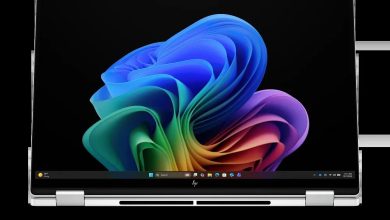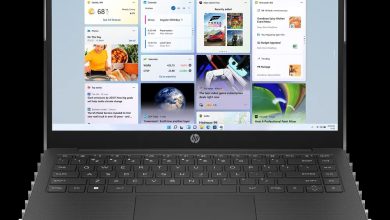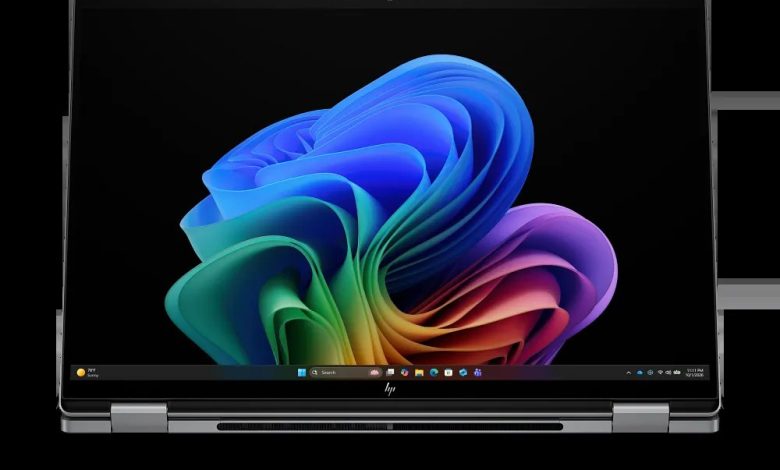
Looking for the HP OmniBook X Flip 2-in-1 Laptop Next Gen AI 16 driver download? You are in the right place. This page has every official HP OmniBook X Flip 16 driver for Windows 11 — BIOS, AMD chipset and NPU, AMD graphics, Realtek audio, MediaTek/Realtek Wi-Fi and Bluetooth, touchpad variants, touchscreen and SSD firmware, and HP utilities — all with direct official HP download links.
The HP OmniBook X Flip 2-in-1 Laptop Next Gen AI 16 (SKU D9KT6UA) is a 16-inch convertible powered by AMD processors. All drivers below are for Windows 11 version 25H2 (64-bit) and come straight from HP's official support page for this exact SKU.
BIOS & Firmware
- HP Notebook System BIOS Update (AMD Processors) — F.07 Rev.A, Sep 4, 2026, 16.0 MB — sp174503.exe Download
BIOS note: Flash the BIOS on AC power only, with nothing else running. Do not power off during the update.
Chipset
- AMD Neural Processing Unit (NPU) Driver — 32.00.0203.329 Rev.A, 14.4 MB — sp172611.exe Download
- Windows Studio Effects Driver (AMD) — 2.0.16.0 Rev.A, Jan 20, 2026, 18.9 MB — sp170039.exe Download
Graphics
- AMD High-Definition Graphics Driver — 32.0.22068.0 Rev.A, May 8, 2026, 1035.4 MB — sp172607.exe Download
Audio
- Realtek High-Definition (HD) Audio Driver — 10.0.318.1 Rev.C, May 8, 2026, 732.5 MB — sp172609.exe Download
Wi-Fi & Bluetooth
- MediaTek Wireless LAN Driver — 3.5.0.116 Rev.A, May 11, 2026, 30.3 MB — sp172908.exe Download
- MediaTek Bluetooth Driver — 2.22.0.91 Rev.E, Apr 29, 2026, 7.2 MB — sp172694.exe Download
- Realtek RTL8xxx Series Bluetooth Driver — 1.0.0.182 Rev.S, Apr 13, 2026, 2.0 MB — sp172371.exe Download
Wireless note: This unit ships with MediaTek or Realtek wireless hardware. Check Network adapters in Device Manager and install the matching vendor's driver.
Touchpad
- Synaptics Precision Touchpad Filter Driver — 19.5.35.124 Rev.A, Jan 26, 2026 — sp168979.exe Download
- ELAN Precision Touchpad Filter Driver — 43.2.6.1 Rev.A — sp172567.exe Download
- HP Presence Sensing Settings — 1.1.8.9 Rev.B, Feb 9, 2026, 1.6 MB — sp170004.exe Download
Storage/Firmware
- SanDisk Solid State Drives (SSD) Firmware Update — Multiple version Rev.A, Nov 13, 2025, 21.0 MB — sp165812.exe Download
- ELAN Touchscreen Firmware Update — F8301T06W00 Rev.A, Apr 28, 2026, 1.5 MB — sp172665.exe Download
Utilities/Software
- HP PC Hardware Diagnostics Windows — 3.2.0.0 Rev.A, Aug 6, 2026, 835.3 MB — sp174215.exe Download
- HP PC Hardware Diagnostics UEFI — 10.8.7.0 Rev.A, Jul 8, 2026, 40.6 MB — sp173795.exe Download
- HP Support Assistant — 9.55.10.0 Rev.A, Aug 25, 2026, 169.5 MB — sp174448.exe Download
- HP Connection Optimizer — 2.0.21.0 Rev.A, Jun 13, 2025, 4.2 MB — sp160169.exe Download
- SDK pack for Consumer System Control — 1.1.36 Rev.A, May 29, 2026, 17.8 MB — sp172788.exe Download
How to install HP OmniBook X Flip 2-in-1 16 drivers
- Download the driver package for your hardware from the list above.
- Double-click the downloaded file and follow the on-screen installer prompts.
- Restart the laptop when the installer asks (especially after chipset and graphics updates).
- Verify the install in Device Manager — no yellow warning icons should remain.
FAQs
### Which drivers do I need for the HP OmniBook X Flip 2-in-1 Laptop Next Gen AI 16? The essentials are the AMD graphics driver, the AMD NPU driver, the Realtek audio driver, and the matching Wi-Fi/Bluetooth package. The BIOS update is optional unless you need a specific fix.
### How do I choose the right Wi-Fi driver for the HP OmniBook X Flip 16? Open Device Manager → Network adapters. MediaTek hardware takes the MediaTek WLAN/Bluetooth pair; Realtek hardware takes the Realtek Bluetooth driver. Pick the vendor your adapter reports.
### Does the HP OmniBook X Flip 16 need a touchscreen firmware update? Only if the touchscreen misbehaves. The ELAN Touchscreen Firmware Update (sp172665.exe) targets the F8301T06W00 panel — check your panel's firmware first to avoid flashing the wrong version.
### Where can I download HP OmniBook X Flip 16 drivers safely? From the official HP download links on this page — every link above points to HP's own ftp.hp.com servers, so the packages are genuine and unmodified.