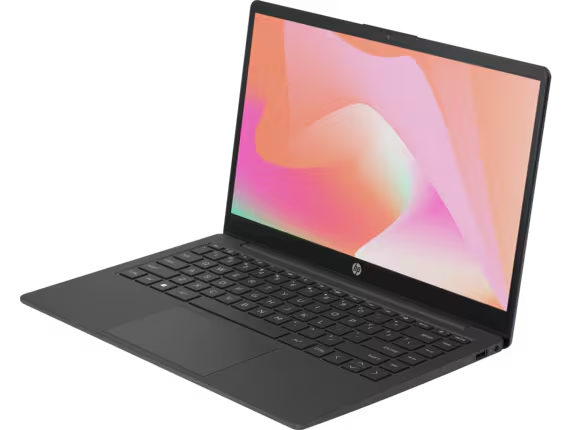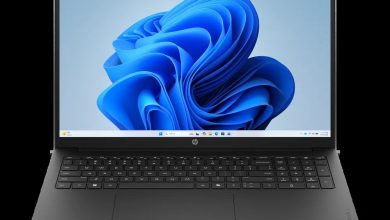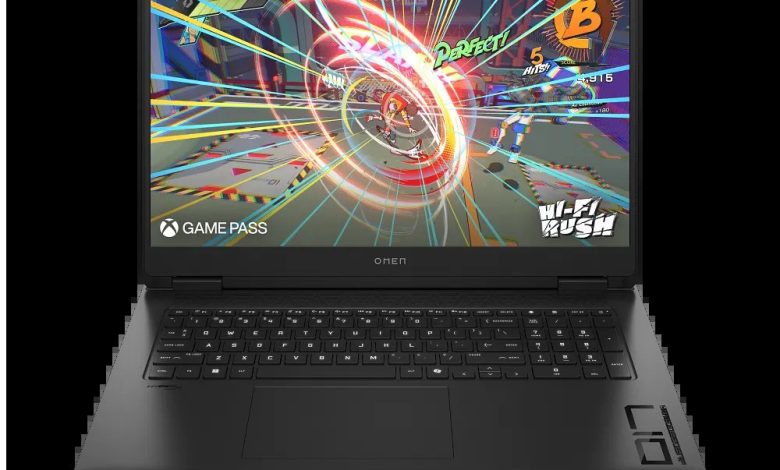
Download the latest OMEN Gaming Laptop 17-db1097nr drivers for Windows 11 (64-bit). This page lists official HP driver downloads for the OMEN Gaming Laptop 17-db1097nr (B98J8UA) — AMD Ryzen AI processor with both AMD integrated graphics and an NVIDIA GeForce discrete GPU, plus audio, Wi-Fi and Bluetooth, touchpad, firmware, and OMEN Gaming Hub utilities — all direct from HP.
OMEN Gaming Laptop 17-db1097nr Driver List
### BIOS & Firmware
- HP Notebook System BIOS Update (AMD Processors) — F.20 Rev.A, May 8, 2026, 12.1 MB — sp172634.exe Download
- HP PC Hardware Diagnostics UEFI — 10.8.7.0 Rev.A, Jul 8, 2026, 40.6 MB — sp173795.exe Download
- SanDisk Solid State Drives (SSD) Firmware Update — Multiple version Rev.A, Nov 13, 2025, 21.0 MB — sp165812.exe Download
### Chipset
- AMD Neural Processing Unit (NPU) Driver — 32.00.0203.314 Rev.C, 14.4 MB — sp172491.exe Download
- Windows Studio Effects Driver — 2.0.28.0 Rev.C, 18.9 MB — sp172496.exe Download
### Graphics
- AMD High-Definition Graphics Driver — 32.0.22042.1 Rev.C, 1054.9 MB — sp172490.exe Download
- NVIDIA GeForce Graphics Driver — 32.0.15.9219 Rev.C, Apr 22, 2026, 1202.5 MB — sp172492.exe Download
### Audio
- Realtek High-Definition (HD) Audio Driver — 6.0.9954.1 Rev.C, Apr 22, 2026, 810.1 MB — sp172493.exe Download
### Wi-Fi & Bluetooth
- Realtek RTL8xxx Wireless LAN Drivers — 1.0.0.279 Rev.S, Mar 13, 2026, 17.5 MB — sp171538.exe Download
- MediaTek Wireless LAN Driver — 3.5.0.106 Rev.E, Nov 1, 2025, 30.2 MB — sp165645.exe Download
- Realtek RTL8xxx Series Bluetooth Driver — 1.0.0.182 Rev.S, Apr 13, 2026, 2.0 MB — sp172371.exe Download
- MediaTek Bluetooth Driver — 2.22.0.90 Rev.E, Mar 6, 2026, 7.2 MB — sp171518.exe Download
- Realtek Local Area Network (LAN) Driver — 1168.027.50.0919 Rev.C, Apr 22, 2026, 1.0 MB — sp172494.exe Download
### Touchpad
- Synaptics Precision Touchpad Filter Driver — 19.5.35.125 Rev.C, 5.3 MB — sp172495.exe Download
### Utilities & Software
- OMEN Gaming Hub SDK Package — 1.0.95 Rev.A, Aug 21, 2026, 211.3 MB — sp174350.exe Download
- HP Support Assistant — 9.55.10.0 Rev.A, Aug 25, 2026, 169.5 MB — sp174448.exe Download
- HP PC Hardware Diagnostics Windows — 3.2.0.0 Rev.A, Aug 6, 2026, 835.3 MB — sp174215.exe Download
- HP Connection Optimizer — 2.0.22.0 Rev.A, Apr 17, 2026, 4.2 MB — sp172460.exe Download
How to Install OMEN Gaming Laptop 17-db1097nr Drivers
- Download the driver file for your hardware from the list above (each filename like `sp172634.exe` is the official HP installer).
- Run the downloaded `.exe` and follow the on-screen instructions.
- Restart the laptop when the installer prompts you, especially after BIOS or chipset updates.
- Install in this order if doing a fresh setup: BIOS → chipset/NPU → graphics → audio → Wi-Fi/Bluetooth → touchpad → utilities.
FAQs
### Which OS do these OMEN Gaming Laptop 17-db1097nr drivers support?
They are for Windows 11 version 25H2 (64-bit), matching the OS selection on HP's official support page for this model.
### Does the 17-db1097nr need both AMD and NVIDIA graphics drivers?
Yes. The OMEN Gaming Laptop 17-db1097nr uses AMD Ryzen AI integrated graphics plus an NVIDIA GeForce discrete GPU, so install both the AMD and NVIDIA graphics drivers listed above.
### Which Wi-Fi driver should I install — Realtek or MediaTek?
Install only the driver matching your laptop's wireless card. HP lists both because some 17-db1097nr units ship with Realtek and others with MediaTek hardware.
### Where can I control lighting, cooling and performance profiles?
Install the OMEN Gaming Hub SDK Package from the Utilities section above to manage OMEN Gaming Hub features on your 17-db1097nr.