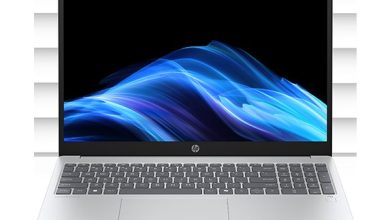
HP EliteBook 8 G1i 16 BM0N8UA Driver Download (Windows 11)
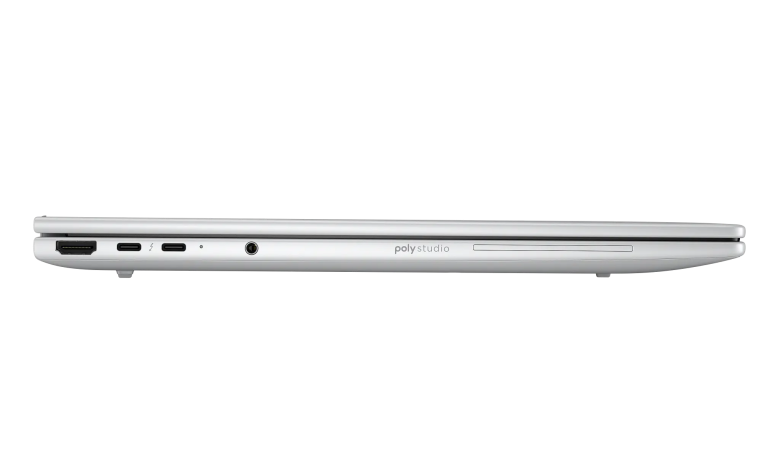
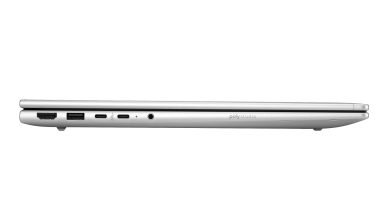
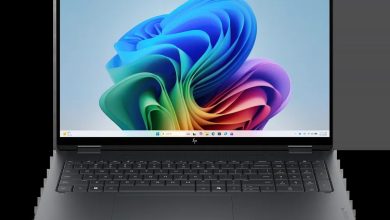
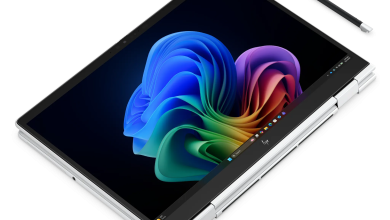
Looking for the HP EliteBook 8 G1i 16 BM0N8UA driver download for Windows 11? This page lists all 62 official drivers and tools for the HP EliteBook 8 G1i 16 inch Notebook Next Gen AI PC in the BM0N8UA configuration — HP's Wolf Pro Security Edition of this SKU — taken from HP's own support page for this exact SKU. The list covers the Intel platform, including BIOS, chipset, graphics, Wi-Fi and Bluetooth, docks, TPM firmware, Wolf Security tools, and HP utilities. Each driver below has its own download button from the site's Download Manager, and every file comes straight from HP's official server.
Before you start, check that your laptop matches this exact configuration — the HP EliteBook 8 G1i 16 with product number BM0N8UA — and that you are running Windows 11. Download the drivers you need, run each installer, and restart when asked so every driver loads properly.
HP EliteBook 8 G1i 16 BM0N8UA BIOS and Firmware
HP EliteBook 8 G1i 16 BM0N8UA Diagnostics
HP EliteBook 8 G1i 16 BM0N8UA Docks Firmware and Drivers
HP EliteBook 8 G1i 16 BM0N8UA Audio
HP EliteBook 8 G1i 16 BM0N8UA Chipset
HP EliteBook 8 G1i 16 BM0N8UA Driver Enabling
HP EliteBook 8 G1i 16 BM0N8UA Graphics
HP EliteBook 8 G1i 16 BM0N8UA Keyboard, Mouse and Input Devices
HP EliteBook 8 G1i 16 BM0N8UA Network
HP EliteBook 8 G1i 16 BM0N8UA Storage
HP EliteBook 8 G1i 16 BM0N8UA HP Connection Optimizer
HP EliteBook 8 G1i 16 BM0N8UA Security


HP EliteBook 8 G1i 16 BM0N8UA HP Wolf Security for Business sp174832.exe
HP EliteBook 8 G1i 16 BM0N8UA Software & Utilities
HP EliteBook 8 G1i 16 BM0N8UA Utility Tools
HP EliteBook 8 G1i 16 BM0N8UA Installation Steps
- Download the drivers you need from the sections above, starting with the chipset drivers and the BIOS update.
- Run each installer one at a time and follow the on-screen prompts.
- Restart your laptop when an installer asks you to, so the new driver loads correctly.
- Repeat for the remaining drivers, then open Device Manager and confirm no device shows a warning icon. If one does, reinstall that driver from this page.
HP EliteBook 8 G1i 16 BM0N8UA Driver FAQs
Where can I download HP EliteBook 8 G1i 16 BM0N8UA drivers for Windows 11?
You can download them from this page — all 62 HP EliteBook 8 G1i 16 BM0N8UA drivers listed above come from HP's official support page for this exact SKU, and each download button gets the genuine file from HP's server.
Are these official HP drivers?
Yes. Every driver on this page is the official release published by HP for the HP EliteBook 8 G1i 16 BM0N8UA on Windows 11, with the same version, date, and file size HP lists on its support page.
Which Windows version do these drivers support?
These drivers are for Windows 11 (64-bit). They were taken from HP's Windows 11 driver page for the BM0N8UA configuration, so do not install them on another Windows version or another laptop model.
Do I need to install all 62 drivers?
No. Install only the drivers your laptop needs — start with the chipset and BIOS updates, then add the drivers for the hardware you use, such as Wi-Fi, Bluetooth, graphics, and your dock. If a device already works fine, you can skip its update.