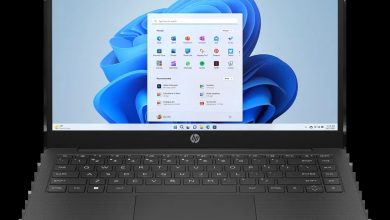
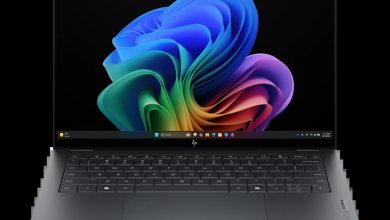
HP Laptop 14-em0320AU BD0X9PA Driver Download (Windows 11)
Download the official HP Laptop 14-em0320AU BD0X9PA driver download files for Windows 11 (64-bit) — all 34 drivers for this AMD Ryzen 3 laptop, linked straight from HP's official server. Every download below is a genuine HP SoftPaq, free and with no sign-up needed.
These drivers also apply to the sibling model HP Laptop 14-em0321AU (BD0Y0PA), which shares the same HP driver entry — if you own the em0321AU, use this same list.
Before you start, check which Wi-Fi, fingerprint and SSD hardware your laptop has in Device Manager — several sections below list more than one version for the same part, and you should install only the one that matches your hardware. Install the BIOS and graphics drivers first, then audio and network, and restart your laptop when asked.
HP Laptop 14-em0320AU BD0X9PA Driver Index
- BIOS and Firmware
- Diagnostics
- Audio
- Enabling
- Graphics
- Keyboard, Mouse and Input Devices
- Network
- Firmware
- Software
- Software Solutions
- Installation Steps
- Driver FAQs
BIOS and Firmware

Diagnostics
Audio
Enabling
Graphics
Keyboard, Mouse and Input Devices
Network
Firmware
Software
Software Solutions
Installation Steps
- Download the driver file you need and double-click it — most HP SoftPaqs extract and launch setup automatically.
- Allow the installer through User Account Control if asked.
- Restart your laptop when prompted (required for BIOS, graphics and firmware updates).
- On a fresh Windows install, follow this order: BIOS, graphics, audio, then Wi-Fi and Bluetooth.
- Install only one driver per part — if a section lists several versions of the same driver, pick the one that matches your hardware in Device Manager.
Driver FAQs
Where can I find the HP Laptop 14-em0320AU BD0X9PA driver download for Windows 11?
This page lists every official HP Laptop 14-em0320AU BD0X9PA driver download for Windows 11 (64-bit) — 34 drivers in 10 categories, each linked directly from HP's official server. Pick the section you need, download the file and run it.
Which graphics driver should I install — there are five listed?
Start with the newest version at the top of the Graphics section. The older versions are kept for laptops with different hardware revisions — install only one graphics driver, the one that matches your system.
Do these drivers also work for the HP Laptop 14-em0321AU?
Yes. The HP Laptop 14-em0321AU (BD0Y0PA) shares the same HP driver entry as the 14-em0320AU, so every driver on this page applies to it as well.
Which SSD firmware update should I install?
Only the one that matches your SSD brand — Samsung, SanDisk, Western Digital, Longsys, Intel/Solidigm or Micron. Check Device Manager, then Disk drives, to see your SSD model, and install just that one firmware update. Skip the rest.