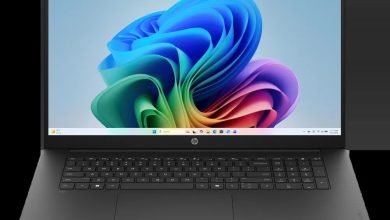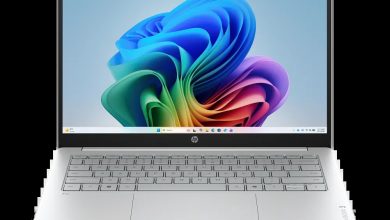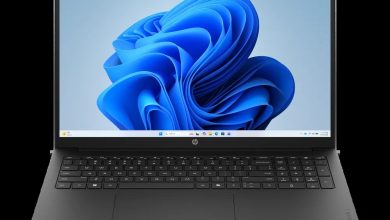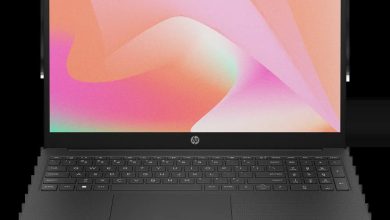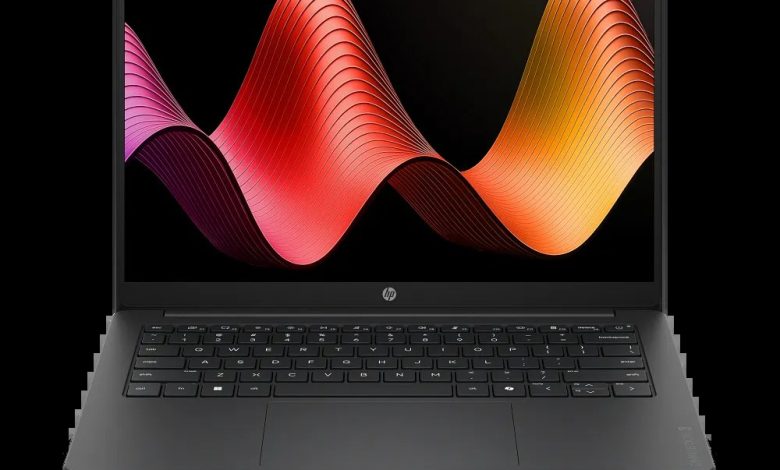
Download the latest HP OmniBook 3 Laptop 14-hy0017nr drivers for Windows 11 version 25H2 (64-bit). This page lists every official driver HP released for the HP OmniBook 3 Laptop 14-hy0017nr (SKU D46P9UA) — BIOS, AMD graphics and NPU, audio, Wi-Fi & Bluetooth, touchpad, storage firmware, and utilities — with direct links to HP's official servers, version numbers, release dates, and file sizes.
All downloads below come straight from HP's official support site for the HP OmniBook 3 Laptop 14-hy0017nr. This model runs on an AMD processor and ships with MediaTek or Realtek RTL8xxx wireless hardware — install only the wireless variant that matches your configuration. Three SSD firmware variants are listed (SanDisk, Longsys HPS04, Longsys HPSA02); pick the one that matches the SSD installed in your laptop.
BIOS & Firmware
- HP Notebook System BIOS Update (AMD Processors) — F.12 Rev.A, Sep 14, 2026, 55.9 MB — sp174656.exe Download
Graphics
- AMD High-Definition Graphics Driver — 32.0.31032.3 Rev.A, Aug 14, 2026, 948.5 MB — sp174348.exe Download
- AMD Neural Processing Unit (NPU) Driver — 32.00.0203.329 Rev.A, Apr 21, 2026, 62.1 MB — sp172489.exe Download
Audio
- Realtek High-Definition (HD) Audio Driver — 6.0.9995.1 Rev.A, Jun 4, 2026, 266.9 MB — sp173487.exe Download
Wi-Fi & Bluetooth
- MediaTek Wireless LAN Driver — 3.5.0.120 Rev.A, Jun 24, 2026, 29.2 MB — sp173639.exe Download
- MediaTek Bluetooth Driver — 2.22.0.93 Rev.E, Jul 14, 2026, 7.2 MB — sp173831.exe Download
- Realtek RTL8xxx Wireless LAN Drivers — 1.0.0.274 Rev.S, Dec 15, 2025, 17.3 MB — sp167239.exe Download
- Realtek RTL8xxx Series Bluetooth Driver — 1.0.0.188 Rev.S, Jul 27, 2026, 2.2 MB — sp174038.exe Download
Touchpad
- Synaptics Precision Touchpad Filter Driver — 19.5.35.129 Rev.A, Jun 9, 2026, 5.3 MB — sp173527.exe Download
- ELAN Precision Touchpad Filter Driver — 43.2.2.2 Rev.A, Dec 18, 2025, 1.6 MB — sp168473.exe Download
Storage Firmware
- SanDisk Solid State Drives (SSD) Firmware Update — HPS3N7A/HPS3T7A Rev.A, May 12, 2026, 6.7 MB — sp172977.exe Download
- Longsys Solid State Drives (SSD) Firmware Update — HPS04 Rev.A, Jul 13, 2026, 1.9 MB — sp173821.exe Download
- Longsys Solid State Drives (SSD) Firmware Update — HPSA02 Rev.A, Aug 3, 2026, 1.6 MB — sp174131.exe Download
Utilities & Software
- HP PC Hardware Diagnostics UEFI — 10.8.7.0 Rev.A, Jul 8, 2026, 40.6 MB — sp173795.exe Download
How to Install Drivers on the HP OmniBook 3 Laptop 14-hy0017nr
- Download the driver package you need from the list above.
- Right-click the file and choose Run as administrator to start the installer.
- Follow the on-screen instructions and restart your laptop if asked.
- For BIOS updates, keep the laptop plugged in and do not turn it off during the update.
Frequently Asked Questions
Where can I download HP OmniBook 3 Laptop 14-hy0017nr drivers for Windows 11?
You can download official HP OmniBook 3 Laptop 14-hy0017nr drivers right from this page — every link points to HP's own servers with the latest version, release date, and file size shown.
What is the latest BIOS for the HP OmniBook 3 Laptop 14-hy0017nr (D46P9UA)?
Version F.12 Rev.A (Sep 14, 2026) is the latest BIOS HP published for the HP OmniBook 3 Laptop 14-hy0017nr. See the "BIOS & Firmware" section above.
Which wireless driver should I install on the HP OmniBook 3 Laptop 14-hy0017nr?
This model ships with either MediaTek or Realtek RTL8xxx wireless hardware. Check your network adapter in Device Manager and install the matching variant from the "Wi-Fi & Bluetooth" section above.
Which SSD firmware update applies to my HP OmniBook 3 Laptop 14-hy0017nr?
Pick the firmware that matches the SSD in your laptop: sp172977.exe for SanDisk drives, sp173821.exe for Longsys HPS04 drives, or sp174131.exe for Longsys HPSA02 drives.