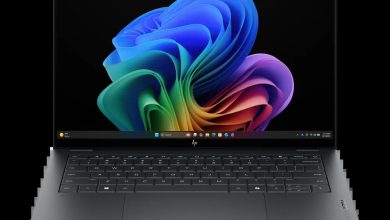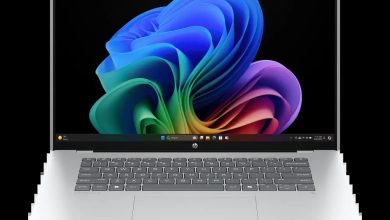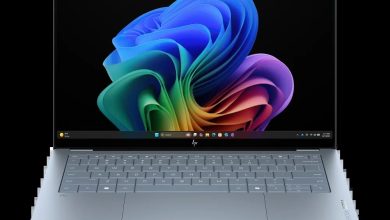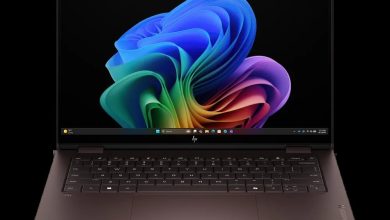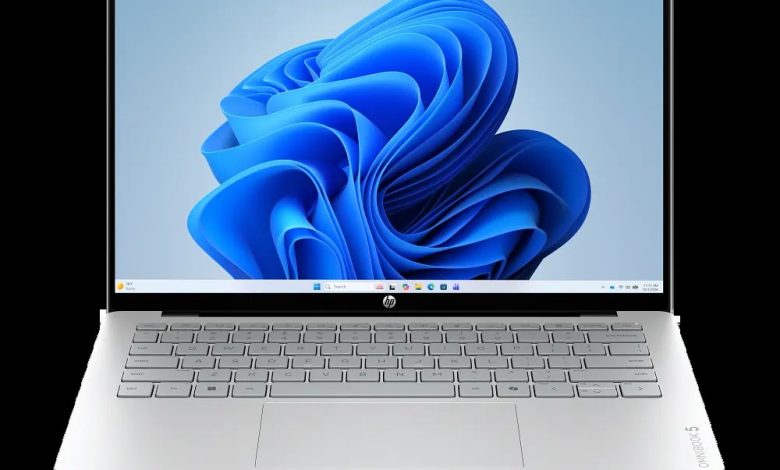
Need a clean, official HP OmniBook 5 Laptop AI 14Z-HN000 driver download source? You are on the right page. This is an AMD Ryzen AI-powered laptop (CJ3Z9AV_1), and this article lists the latest official HP drivers for Windows 11 (64-bit) — BIOS, chipset, graphics, audio, Wi-Fi and Bluetooth, touchpad and firmware — each with its exact version, release date, file size and a direct official HP download link. HP publishes different graphics and Windows Studio Effects builds for different Ryzen AI processors, so pick the one that matches your CPU.
BIOS & Firmware
- HP Notebook System BIOS Update (AMD Processors) — F.11 Rev.A, Sep 4, 2026, 21.7 MB — sp174581.exe Download
- HP PC Hardware Diagnostics UEFI — 10.8.7.0 Rev.A, Jul 8, 2026, 40.6 MB — sp173795.exe Download
- ELAN Touchscreen Firmware Update — eKTH3918N_0x6701 Rev.0x6701, Mar 11, 2026, 1.1 MB — sp171616.exe Download
Chipset
- AMD Neural Processing Unit (NPU) Driver — 32.0.203.329 Rev.B, Mar 11, 2026, 14.4 MB — sp171602.exe Download
- Windows Studio Effects Driver (AMD Ryzen AI 9 465 / 7 445 / 5 430) — 2.0.28 Rev.B, Apr 9, 2026, 41.3 MB — sp172347.exe Download
- Windows Studio Effects Driver (AMD Ryzen AI 5 330) — 2.0.28 Rev.B, Apr 9, 2026, 41.3 MB — sp172348.exe Download
- Windows Studio Effects Driver (AMD Ryzen 7 250 / 5 230) — 1.0.42.0 Rev.B, Apr 22, 2026, 30.1 MB — sp172524.exe Download
Graphics
- AMD High-Definition Graphics Drivers (AMD Ryzen AI 9 465 / 7 445 / 5 430) — 32.0.22032.11002 Rev.B, Mar 11, 2026, 1062.0 MB — sp171615.exe Download
- AMD High-Definition Graphics Drivers (AMD Ryzen AI 9 465 / 7 445 / 5 430) — 32.0.22032.5003 Rev.B, Jan 5, 2026, 1062.0 MB — sp168683.exe Download
- AMD High-Definition Graphics Drivers (AMD Ryzen AI 5 330) — 32.0.22032.11002 Rev.B, Apr 14, 2026, 1062.0 MB — sp172393.exe Download
- AMD High-Definition Graphics Drivers (AMD Ryzen 7 250 / 5 230) — 32.0.31022.6 Rev.B, Aug 31, 2026, 976.3 MB — sp174513.exe Download
Audio
- Realtek High-Definition (HD) Audio Driver — 6.0.9995.1 Rev.B, Jun 9, 2026, 724.5 MB — sp173526.exe Download
- Realtek High-Definition (HD) Audio Driver — 6.0.9921.1 Rev.B, Jan 5, 2026, 723.6 MB — sp168709.exe Download
Wi-Fi & Bluetooth
- MediaTek Wireless LAN Driver — 3.5.0.110 Rev.E, Dec 22, 2025, 30.2 MB — sp168545.exe Download
- Realtek RTL8xxx Wireless LAN Drivers — 1.0.0.276 Rev.S, Dec 31, 2025, 17.4 MB — sp168629.exe Download
- MediaTek Bluetooth Driver — 2.22.0.89 Rev.E, Jan 28, 2026, 7.2 MB — sp170146.exe Download
- Realtek RTL8xxx Series Bluetooth Driver — 1.0.0.188 Rev.S, Jul 27, 2026, 2.2 MB — sp174038.exe Download
- All Docks – Ethernet Driver (Realtek) — 11.21.1110.2025 Rev.R, Jan 12, 2026, 1.3 MB — sp168899.exe Download
Touchpad
- ELAN Precision Touchpad Filter Driver — 43.2.2.2 Rev.B, Dec 28, 2025, 1.6 MB — sp168519.exe Download
- Synaptics Precision Touchpad Filter Driver — 19.5.35.125 Rev.B, Jan 5, 2026, 5.3 MB — sp168720.exe Download
Storage & Firmware
- SanDisk Solid State Drives (SSD) Firmware Update — HPS3N7A/HPS3T7A Rev.A, May 12, 2026, 6.7 MB — sp172977.exe Download
How to Install
- Install the drivers in category order: BIOS first, then chipset and NPU, then graphics.
- Pick the graphics and Windows Studio Effects build that matches your Ryzen AI processor (Ryzen AI 9 465 / 7 445 / 5 430, Ryzen AI 5 330, or Ryzen 7 250 / 5 230).
- Install the wireless driver that matches your card (MediaTek or Realtek); check Device Manager if unsure.
- Restart the laptop after the BIOS, chipset and graphics installs.
FAQs
Where can I get the official HP OmniBook 5 Laptop AI 14Z-HN000 driver download?
From HP's official servers — every download link above points directly to ftp.hp.com, the same source as HP's own support page.
Which graphics driver should I install on my 14Z-HN000?
It depends on your processor. HP offers separate builds: use sp171615.exe or sp168683.exe for Ryzen AI 9 465 / 7 445 / 5 430, sp172393.exe for Ryzen AI 5 330, and sp174513.exe for Ryzen 7 250 / 5 230.
How do I know whether I need the MediaTek or Realtek Wi-Fi driver?
Open Device Manager and expand Network adapters — if it lists MediaTek, install the MediaTek pack; if it lists a Realtek RTL8xxx adapter, install the Realtek drivers.
Is it safe to update the BIOS with the file listed here?
Yes — sp174581.exe is HP's official BIOS update (F.11 Rev.A). Keep the charger connected and do not power off during the update.