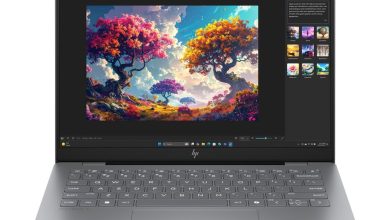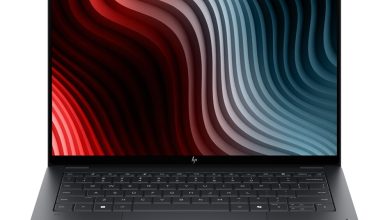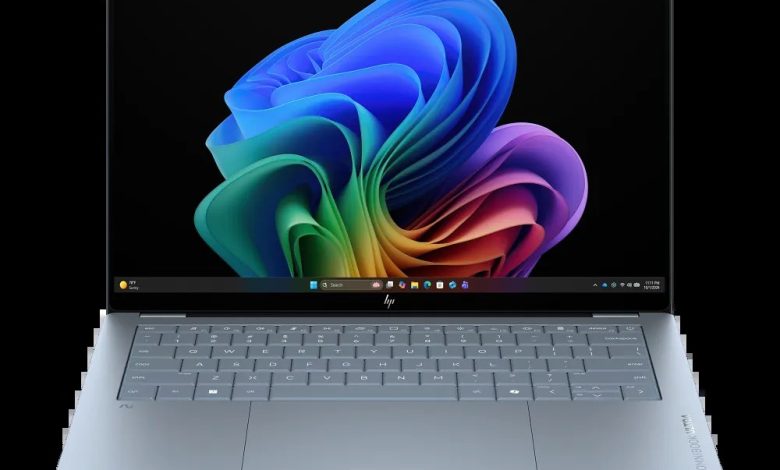
Looking for the HP OmniBook Ultra 14 Snapdragon driver download? This page covers the HP OmniBook Ultra Laptop Next Gen AI 14 (configure-to-order SKU D9KL5UA) — the Qualcomm Snapdragon ARM64 model — on Windows 11. HP publishes only three ARM64 driver packages for this model, all below with direct official HP download links.
Important: This is a Snapdragon (ARM64) laptop. HP returns no drivers under the regular x64 Windows 11 option — drivers are listed only under the ARM64 Windows 11 options on HP's support page. Never install Intel or AMD driver packages on this machine.
HP OmniBook Ultra 14 Snapdragon Driver Pack
- Qualcomm Driver Pack — 4500×6 Rev.D, Jul 29, 2026, 433.3 MB — sp174082.exe Download
- Qualcomm Driver Pack — 4500×6 Rev.D, Mar 27, 2026, 446.4 MB — sp172128.exe Download
Install the latest Qualcomm Driver Pack first (July 2026 release) — it bundles the chipset, graphics, audio, Wi-Fi/Bluetooth and other core drivers for the Snapdragon platform in one package. Reboot after installing, then install the ARM64 diagnostics below.
Diagnostics (ARM64)
- HP PC Hardware Diagnostics UEFI (ARM64) — 10.8.6.0 Rev.A, May 11, 2026, 48.1 MB — sp172932.exe Download
ARM64 only: This diagnostics build is compiled for ARM64. Do not install the x64 HP PC Hardware Diagnostics package on this laptop.
How to Install Snapdragon Drivers on the HP OmniBook Ultra 14
- Install the Qualcomm Driver Pack first — download the latest package above, double-click the .exe, and follow the on-screen instructions.
- Restart your laptop when the installer asks you to, so all bundled drivers load properly.
- Install HP PC Hardware Diagnostics UEFI (ARM64) if you want the offline hardware test tool.
- Verify in Device Manager — no yellow warning icons should remain. Never download Intel/AMD driver packages for this model; they will not install on ARM64.
Frequently Asked Questions (FAQ)
Where can I download HP OmniBook Ultra 14 Snapdragon drivers for Windows 11?
Right here — every link above points to HP's official download servers (ftp.hp.com), the same files HP's support site offers.
Why are there only three drivers listed for this model?
The Snapdragon platform uses a single Qualcomm Driver Pack that bundles all core drivers (chipset, graphics, audio, network). HP's support page lists these three ARM64 packages — the x64 Windows 11 option returns no drivers for this model.
Can I install Intel or AMD drivers on the Snapdragon OmniBook Ultra 14?
No. Intel/AMD driver packages are built for x64 processors and will not install on ARM64. Use only the Qualcomm Driver Pack and ARM64 packages above.
Which Windows 11 option should I pick on HP's support page?
Pick the ARM64 Windows 11 option (not the regular x64 one) — that is where HP lists these three driver packages.
Source: HP official support page — HP OmniBook Ultra 14" Laptop Next Gen AI PC 14-kg0000 series (covering CTO configuration D9KL5UA). Driver details verified from HP's download listings under the ARM64 Windows 11 options. Always download the latest version available.