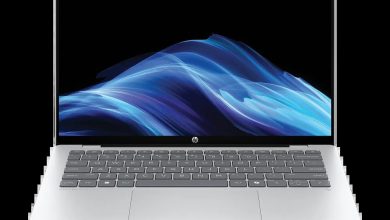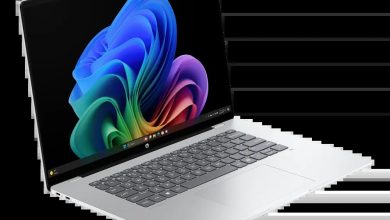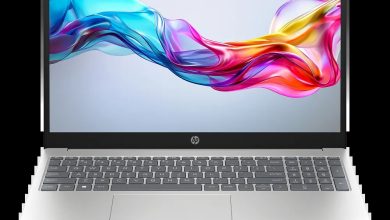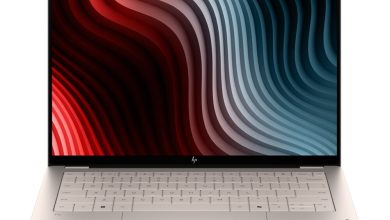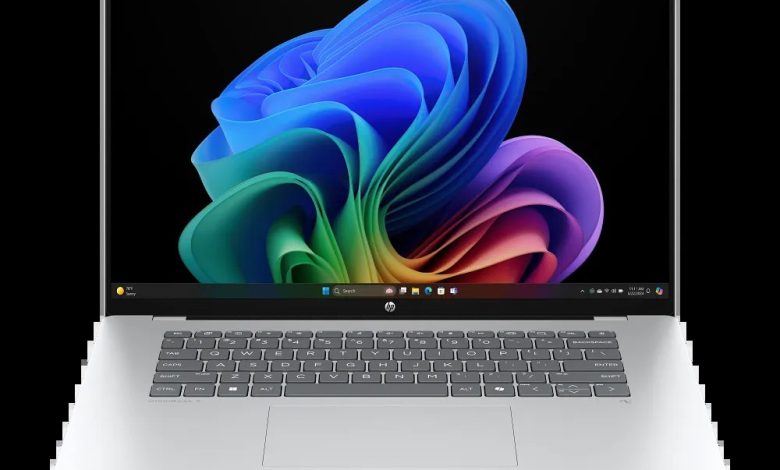
Looking for the HP OmniBook 5 16-bf000 driver download? You are in the right place. This page has every official HP OmniBook 5 16-bf000 driver for Windows 11 — the Qualcomm driver pack, SSD and touchscreen firmware, ARM64 diagnostics, and the HP AI Companion package — all with direct official HP download links.
The HP OmniBook 5 Laptop Next Gen AI 16-bf000 (SKU B81YMAV_1) is a 16-inch Next Gen AI laptop powered by a Qualcomm Snapdragon processor (ARM64) — not Intel or AMD. Its driver set is completely different from Intel laptops, and this page covers only the correct ARM64 packages. HP’s support page groups this SKU under the 16-bf0000 series.
IMPORTANT — Windows 11 on ARM: This is a Snapdragon (ARM64) laptop. Install the Qualcomm Driver Pack first — it contains the chipset, graphics, audio, and Wi-Fi/Bluetooth drivers in one package. Do NOT install Intel or AMD driver packages from other HP laptop pages; they are for different processors and will not work on this laptop.
Chipset & Platform
- Qualcomm Driver Pack — 7800 Rev.D, Jul 14, 2025, 211.8 MB — sp161458.exe Download
Install this first. The Qualcomm Driver Pack bundles the core Snapdragon platform drivers (chipset, graphics, audio, wireless). Run it before anything else, then restart.
Firmware
- SanDisk Solid State Drives (SSD) Firmware Update — HPS3N7A/HPS3T7A Rev.A, May 12, 2026, 6.7 MB — sp172977.exe Download
- ELAN Touchscreen Firmware Update — eKTH3918N_0x6701 Rev.0X6701, May 8, 2026, 1.1 MB — sp172893.exe Download
Firmware warning: Install the SanDisk SSD firmware only if your drive is a SanDisk HPS3N7A/HPS3T7A. Keep the laptop plugged in during any firmware update.
Diagnostics & Software
- HP PC Hardware Diagnostics UEFI (ARM64) — 10.8.4.0 Rev.A, Dec 11, 2025, 48.9 MB — sp167304.exe Download
- HP AI Companion Package (Windows 11 ARM64) — 2.6.1003.0 Rev.A, Dec 1, 2025, 4033.9 MB — sp165910.exe Download
Note: The diagnostics build above is the ARM64-specific UEFI version for Snapdragon systems. The HP AI Companion is a large (~4 GB) ARM64 package — download it on a stable connection.
How to Install HP OmniBook 5 16-bf000 Drivers
- Install the Qualcomm Driver Pack first — download sp161458.exe, double-click it, and follow the on-screen instructions. This is the foundation everything else depends on.
- Restart your laptop when the installer asks you to.
- Install firmware updates — run the SanDisk SSD firmware and ELAN touchscreen firmware packages if they apply to your hardware.
- Install the HP AI Companion — run sp165910.exe on a stable connection (it is about 4 GB).
The HP Cloud Recovery Tool is available from the Microsoft Store only — search “HP Cloud Recovery Tool” in the Microsoft Store and click Get it here to install it. There is no direct .exe download for it.
Frequently Asked Questions (FAQ)
Where should I start with this HP OmniBook 5 16-bf000 driver download page?
Start with the Qualcomm Driver Pack (sp161458.exe) — it bundles chipset, graphics, audio, and wireless drivers for the Snapdragon platform in one package. Everything else comes after it.
Can I install Intel drivers on this laptop?
No. The 16-bf000 runs a Qualcomm Snapdragon processor (ARM64). Intel and AMD driver packages from other HP laptop pages are for different processors and will not install or work on this laptop.
Why are there so few drivers on this page compared to Intel laptops?
Snapdragon laptops consolidate most drivers into the Qualcomm Driver Pack, so HP lists fewer separate packages. The full set is the driver pack, two firmware updates, the ARM64 UEFI diagnostics, and the AI Companion package.
Which firmware updates apply to my laptop?
The SanDisk SSD firmware applies only to SanDisk HPS3N7A/HPS3T7A drives — check Device Manager under Disk drives first. The ELAN touchscreen firmware applies to the touchscreen panel.
Source: HP official support page — HP OmniBook 5 16-inch Laptop Next Gen AI PC 16-bf0000 (model ID 2102946000, SKU B81YMAV_1). Driver details verified from HP’s download listings. Always download the latest version available.