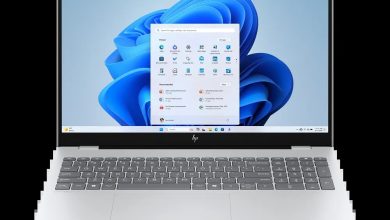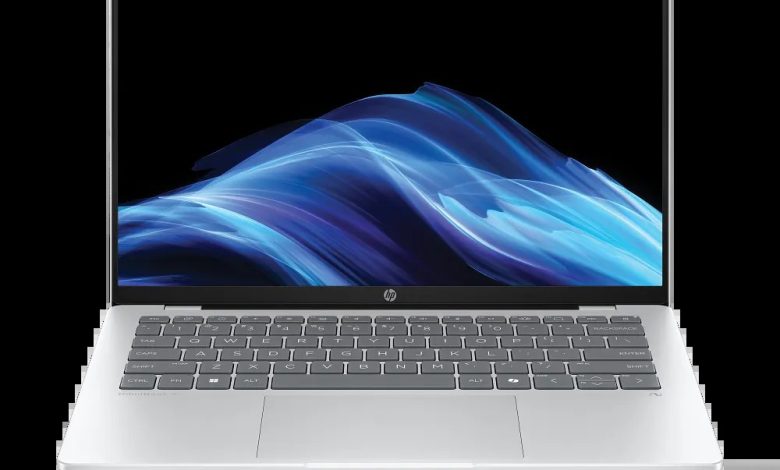
Download official HP OmniBook 5 Laptop Next Gen AI 14-he0027nr driver download files for Windows 11 from HP's official servers. This is a Qualcomm Snapdragon X powered laptop, so it runs Windows 11 on ARM (64-bit) — HP publishes only a small set of ARM64-specific downloads for this model, and all remaining drivers are delivered automatically through Windows Update.
Chipset Drivers
- Qualcomm Driver Pack — 8900 Rev.D, Jun 17, 2026, 229.0 MB — sp173598.exe Download
Touchscreen Drivers
- ELAN Touchscreen Firmware Update — eKTH3918N_0x6701 Rev.0x6701, May 7, 2026, 1.3 MB — sp172888.exe Download
Utilities & Software
- HP AI Companion Package (Windows 11 ARM64) — 2.6.1003.0 Rev.A, Dec 1, 2025, 4033.9 MB — sp165910.exe Download
- HP Privacy Settings — 1.4.17.0 Rev.A, Jan 2, 2026, 283.6 MB — sp168489.exe Download
- HP PC Hardware Diagnostics UEFI (ARM64) — 10.8.6.0 Rev.A, May 11, 2026, 48.1 MB — sp172932.exe Download
How to Install
- Download the Qualcomm Driver Pack (sp173598.exe) first — it covers the core Snapdragon X chipset, graphics, audio, and wireless drivers for this Windows 11 on ARM laptop.
- Double-click the downloaded .exe file and follow the on-screen installation wizard.
- Restart the laptop when prompted, then run Windows Update to pull any remaining drivers automatically.
- Install the HP AI Companion package and HP Privacy Settings only if you want those extras.
FAQs
Are these official HP OmniBook 5 Laptop Next Gen AI 14-he0027nr drivers?
Yes. Every download link above points directly to HP's official ftp.hp.com servers with the exact file published by HP for this model.
Which Windows version do these HP OmniBook 5 Laptop Next Gen AI 14-he0027nr drivers support?
These are published for Windows 11 on ARM (64-bit), which is what this Snapdragon X powered laptop runs. The Qualcomm Driver Pack also works across recent Windows 11 builds.
Why are there only 5 drivers listed for this model?
This laptop uses a Qualcomm Snapdragon ARM64 processor instead of Intel or AMD. HP publishes only the ARM64-specific essentials (Qualcomm Driver Pack, ARM64 diagnostics, touchscreen firmware) as direct downloads; Windows Update handles the rest automatically.
Where can I find the rest of the drivers for this laptop?
Any driver HP doesn't list here is delivered through Windows Update. Keep the laptop connected and check Settings > Windows Update regularly for the latest driver versions.