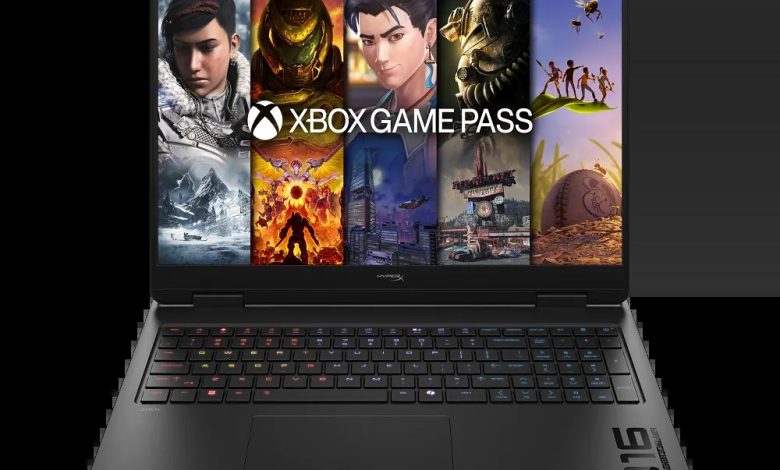
Looking for the HyperX OMEN 16 inch Gaming Laptop PC 16-ap1955nr driver download for Windows 11? This page lists every official HP driver for the 16-ap1955nr (SKU D9KM4UA) — AMD Ryzen with NVIDIA GeForce graphics — released on HP’s support site. Each download below links straight to HP’s official server, so you always get the correct, unmodified file.
HyperX OMEN 16-ap1955nr Driver Download — BIOS & Firmware
- HP Notebook System BIOS Update (AMD Processors) — F.04 Rev.A, Sep 11, 2026, 41.3 MB — sp174673.exe Download
- SanDisk Solid State Drives (SSD) Firmware Update — Multiple version Rev.A, Nov 13, 2025, 21.0 MB — sp165812.exe Download
- Sonix MCU Firmware Update — V.1013 Rev.A, May 25, 2026, 2.8 MB — sp173326.exe Download
Chipset Drivers
- AMD Neural Processing Unit (NPU) Driver — 32.00.0203.329 Rev.C, Mar 10, 2026, 14.4 MB — sp171580.exe Download
Graphics Drivers
- AMD Radeon Graphics Driver — 32.0.22029.9039 Rev.B, May 29, 2026, 1196.7 MB — sp173344.exe Download
- NVIDIA GeForce Graphics Driver — 32.0.15.9180 Rev.A, Mar 11, 2026, 1280.7 MB — sp171600.exe Download
- AMD High-Definition Graphics Driver (Ryzen 7/9 series) — 32.0.21039.3004 Rev.A, Mar 10, 2026, 955.5 MB — sp171574.exe Download
- AMD High-Definition Graphics Driver (Ryzen AI 7/9 series) — 32.0.22052.1005 Rev.A, Mar 10, 2026, 1027.6 MB — sp171573.exe Download
- Windows Studio Effects Driver — 2.0.28.0 Rev.A, Mar 10, 2026, 18.9 MB — sp171581.exe Download
Audio Drivers
- Realtek High-Definition (HD) Audio Driver — 6.0.9951.1 Rev.A, Mar 10, 2026, 829.7 MB — sp171576.exe Download
Wi-Fi, Bluetooth & Network Drivers
Check which wireless module your unit ships with and install the matching package.
- MediaTek Bluetooth Driver — 2.22.0.88 Rev.E, Jan 20, 2026, 7.2 MB — sp170040.exe Download
- MediaTek Wireless LAN Driver — 3.5.0.112 Rev.E, Jan 21, 2026, 30.2 MB — sp170057.exe Download
- Realtek RTL8xxx Wireless LAN Drivers — 1.0.0.273 Rev.S, Nov 14, 2025, 17.2 MB — sp165794.exe Download
- Realtek RTL8xxx Series Bluetooth Driver — 1.0.0.178 Rev.S, Jan 19, 2026, 1.9 MB — sp170013.exe Download
- Realtek Local Area Network (LAN) Driver — 1168.028.50.1224 Rev.C, Mar 10, 2026, 1.0 MB — sp171579.exe Download
Touchpad Drivers
- Synaptics Precision Touchpad Filter Driver — 19.5.35.122 Rev.C, Mar 10, 2026, 5.3 MB — sp171578.exe Download
- ELAN Precision Touchpad Filter Driver — 43.2.2.2 Rev.A, Mar 10, 2026, 1.6 MB — sp171577.exe Download
Utilities & Software
- HP PC Hardware Diagnostics Windows — 3.2.0.0 Rev.A, Aug 6, 2026, 835.3 MB — sp174215.exe Download
- HP PC Hardware Diagnostics UEFI — 10.8.7.0 Rev.A, Jul 8, 2026, 40.6 MB — sp173795.exe Download
- OMEN Gaming Hub SDK Package — 1.0.95 Rev.A, Mar 31, 2026, 211.3 MB — sp171662.exe Download
- HP Support Assistant — 9.55.10.0 Rev.A, Aug 25, 2026, 169.5 MB — sp174448.exe Download
- HP Connection Optimizer — 2.0.21.0 Rev.A, Jun 13, 2025, 4.2 MB — sp160169.exe Download
How to Install
- Download the driver package above from the official HP link and save it to your PC.
- Double-click the file and follow the on-screen installation wizard.
- Restart your laptop when prompted so the driver activates properly.
- Install chipset and graphics drivers before wireless and audio for best results.
FAQs
Where can I download drivers for the HyperX OMEN 16-ap1955nr?
You can get every HyperX OMEN 16 inch Gaming Laptop PC 16-ap1955nr driver download from this page — all links point directly to HP's official servers for Windows 11 (64-bit).
Which graphics drivers does the 16-ap1955nr need?
This model ships with both AMD Radeon integrated graphics and a discrete NVIDIA GeForce GPU. Install the matching AMD package for your Ryzen processor series plus the NVIDIA GeForce driver.
Which Wi-Fi driver should I install?
The 16-ap1955nr comes with either a MediaTek or a Realtek wireless module. Check Device Manager under Network adapters, then install only the matching MediaTek or Realtek package.
Should I install the OMEN Gaming Hub SDK?
Yes, if you use OMEN Gaming Hub for performance modes and lighting. Install the SDK package after the chipset and graphics drivers.