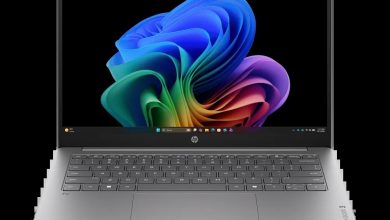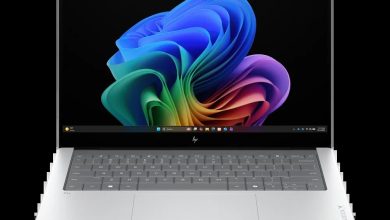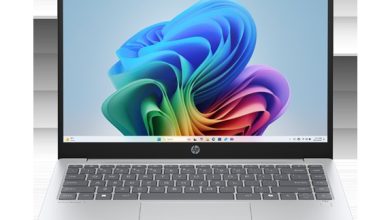
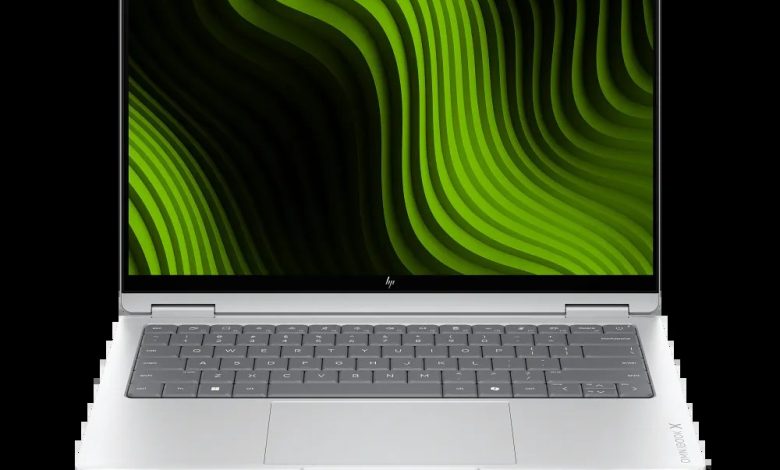
Looking for the HP OmniBook X 14 E5AW1UA driver download for Windows 11 on ARM? This page lists every driver HP offers for the HP OmniBook X Laptop Next Gen AI 14 (E5AW1UA) — Cirrus Logic audio, NVIDIA graphics, NVIDIA SoC chipset and Synaptics touchpad — each with its version, release date, file size and a direct official HP download link. Important: these drivers are for Windows 11 version 26H1 on ARM (64-bit) ONLY. They are ARM64 drivers and will NOT work on Intel or AMD x64 models of this laptop, so do not install them on a non-ARM machine.
Audio
- Cirrus Logic SoundWire Audio Driver — 1.0.690.3159 Rev.A, Sep 16, 2026, 681.2 MB — sp174697.exe Download
Graphics
- NVIDIA GeForce Graphics Driver (ARM64) — 32.0.16.1630 Rev.A, Sep 16, 2026, 1190.2 MB — sp174696.exe Download
Chipset
- NVIDIA SoC Driver Pack — 2.9.0.0 Rev.A, Sep 16, 2026, 2.0 MB — sp174695.exe Download
Touchpad
- Synaptics Precision Touchpad Filter Driver — 19.5.35.129 Rev.A, Sep 16, 2026, 5.3 MB — sp174698.exe Download
How to Install HP OmniBook X 14 E5AW1UA Drivers on Windows 11 on ARM
- Confirm your laptop is the ARM model (E5AW1UA) — check Settings, System, About: it should show an ARM-based processor. Do not install these drivers on Intel or AMD models.
- Download the driver file for your component from the list above (official HP links).
- Double-click the downloaded .exe file and follow the on-screen installer prompts.
- Restart your laptop when the installer asks you to, so the driver loads correctly.
FAQs
Q: Where can I find the HP OmniBook X 14 E5AW1UA driver download for Windows 11 on ARM?
A: From this page — every link above points to HP's official download server (ftp.hp.com).
Q: Are these drivers for the Intel version of the OmniBook X 14?
A: No — these are ARM64 drivers for the E5AW1UA (Windows 11 on ARM) only and will not work on Intel or AMD x64 models.
Q: Which graphics driver does the E5AW1UA use?
A: The NVIDIA GeForce Graphics Driver (ARM64) 32.0.16.1630 Rev.A listed under Graphics.
Q: Do I need to install all four drivers?
A: Install the ones for the hardware you use — audio, graphics, chipset and touchpad are all recommended for a fully working system, with the chipset (SoC) pack installed first.