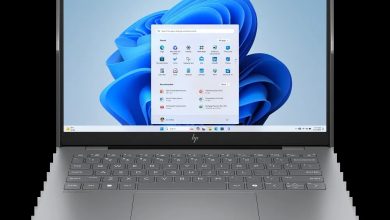
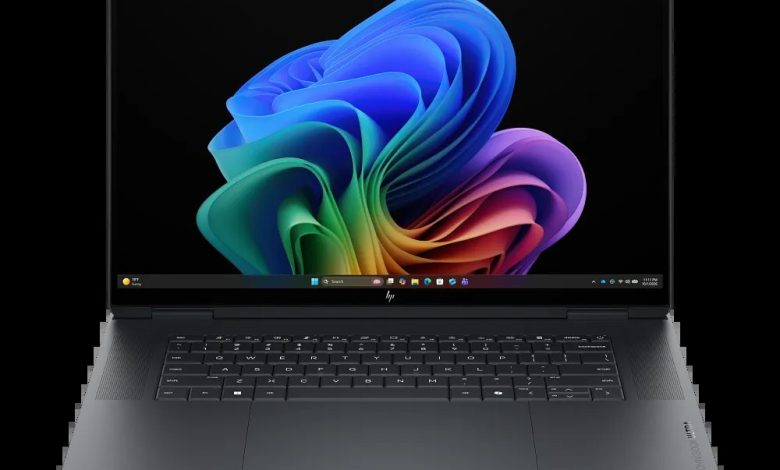
Download the latest HP OmniBook Ultra 16 BG9S9AV_1 driver download links for the HP OmniBook Ultra Laptop Next Gen AI 16 (BG9S9AV_1) below. Important: these drivers are for Windows 11 version 26H1 on ARM (64-bit) ONLY — they are ARM64 drivers and will NOT work on Intel or AMD x64 models, so do not install them on a non-ARM laptop. This page lists every official HP driver for this ARM-powered OmniBook Ultra 16, with version, release date, file size, and a direct download link.
Chipset
- NVIDIA SoC Driver Pack — 2.9.0.0 Rev.A, Sep 15, 2026, 2.0 MB — sp174492.exe Download
Graphics
- NVIDIA GeForce Graphics Driver (ARM64) — 32.0.16.1630 Rev.A, Sep 11, 2026, 1190.6 MB — sp174493.exe Download
Audio
- Cirrus Logic SoundWire Audio Driver — 1.0.690.3159 Rev.A, Sep 11, 2026, 681.1 MB — sp174494.exe Download
Wi-Fi & Bluetooth
- MediaTek Wireless LAN Driver (Windows 11 on ARM64) — 6.0.0.15 Rev.A, Sep 29, 2026, 21.8 MB — sp174762.exe Download
- MediaTek Bluetooth Driver (Windows 11 on ARM64) — 1.0.0.13 Rev.A, Aug 31, 2026, 5.1 MB — sp174508.exe Download
Touchpad
- Synaptics Precision Touchpad Filter Driver — 19.5.35.322 Rev.A, Sep 11, 2026, 5.3 MB — sp174496.exe Download
Storage
- Realtek Card Reader Driver — 10.0.26200.21387 Rev.A, Sep 11, 2026, 2.3 MB — sp174495.exe Download
How to Install HP OmniBook Ultra 16 BG9S9AV_1 Drivers
- Download the driver file for your hardware (check Device Manager for exact device names).
- Install the NVIDIA SoC Driver Pack first, then graphics, then the remaining drivers.
- Run each `.exe` file as administrator and follow the on-screen prompts.
- Restart your laptop after installing each major driver (chipset, graphics).
HP OmniBook Ultra 16 BG9S9AV_1 Driver Download FAQs
Where can I download the HP OmniBook Ultra 16 BG9S9AV_1 drivers for Windows 11 on ARM?
From the official HP driver links on this page — each HP OmniBook Ultra 16 BG9S9AV_1 driver download comes directly from HP's servers.
Will these drivers work on an Intel or AMD OmniBook Ultra 16?
No — these are ARM64 drivers for Windows 11 on ARM only. Do not install them on x64 (Intel/AMD) models; they will fail or cause errors.
Which MediaTek Wi-Fi driver should I install?
Install the Wireless LAN Driver 6.0.0.15 (sp174762.exe) — it is the latest version. HP also lists an older 6.0.0.14 build, which this page omits in favour of the newest release.
Do I need to install the drivers in a specific order?
Yes — install the NVIDIA SoC Driver Pack first, then graphics, then audio, Wi-Fi/Bluetooth, touchpad, and card reader, restarting when prompted.