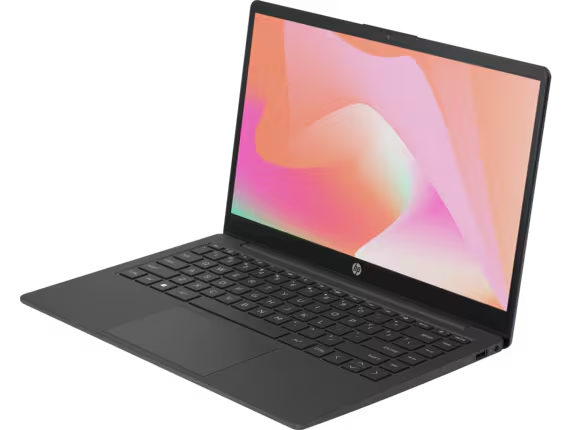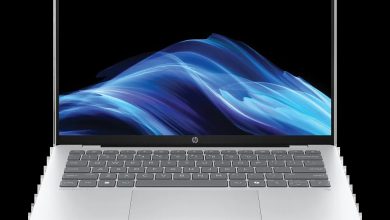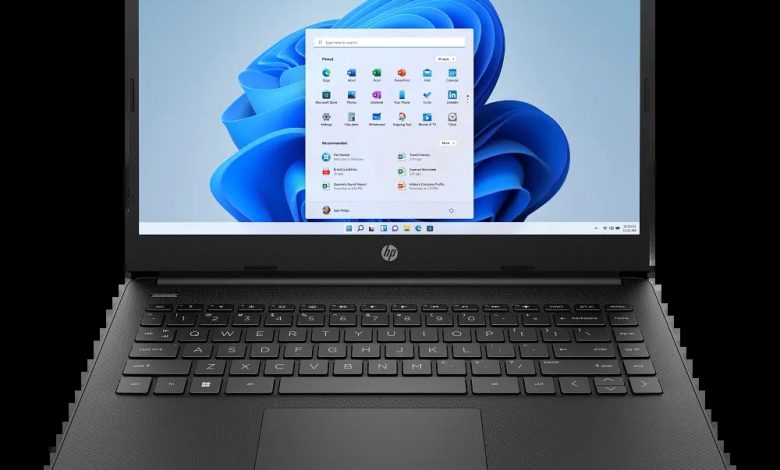
The HP Laptop 14-dq0020nr driver page below covers all official HP drivers for Windows 11 version 24H2 (64-bit) — note that HP does not offer a 25H2 selection for this model, so 24H2 is the newest supported build. Drivers are grouped by category with direct official HP download links: BIOS updates, Intel chipset, Intel graphics, Realtek audio, Intel and Realtek Wi-Fi/Bluetooth, Synaptics touchpad, SSD firmware, and HP utilities. Install the BIOS, chipset, graphics, audio, and the wireless package matching your hardware first, then the rest.
BIOS & Firmware
- HP Notebook System BIOS Update (Intel Processors) — F.42 Rev.A, May 13, 2026, 22.2 MB — sp173046.exe Download
- HP Notebook System BIOS Update (Intel Processors) — F.36 Rev.A, Sep 13, 2024, 30.3 MB — sp155082.exe Download
- HP Notebook System BIOS Update (Intel Processors) — F.43 Rev.A, May 11, 2026, 30.4 MB — sp172943.exe Download
Chipset
- Intel Dynamic Platform and Thermal Framework Client Driver — 8.6.10401.9906 Rev.B, May 10, 2024, 3.6 MB — sp152902.exe Download
- Intel Chipset Installation Utility and Driver — 10.1.19627.8423 Rev.B, May 10, 2024, 0.7 MB — sp152899.exe Download
- Intel Trusted Execution Engine Interface Driver — 1924.4.0.1062 Rev.B, May 10, 2024, 0.8 MB — sp152906.exe Download
- Intel Serial IO Driver — 30.100.1915.2 Rev.B, May 10, 2024, 0.9 MB — sp152909.exe Download
- Intel Chipset Installation Utility and Driver — 10.1.19899.8597 Rev.C, Oct 23, 2024, 0.7 MB — sp155488.exe Download
- HP Application Enabling Software Driver — 1.66.3762.0 Rev.A, May 15, 2024, 75.7 MB — sp153009.exe Download
- HP Wireless Button Driver — 2.1.17.3 Rev.A, Aug 8, 2024, 0.7 MB — sp154124.exe Download
- Intel Gaussian and Neural Accelerator Driver — 03.05.00.1578 Rev.E, Jan 24, 2025, 0.8 MB — sp156573.exe Download
- Realtek Card Reader Driver — 10.0.26100.31287 Rev.D, Sep 11, 2024, 2.2 MB — sp155006.exe Download
- Alcor Micro Card Reader Driver — 2.0.154.24533 Rev.E, Sep 11, 2024, 1.4 MB — sp155004.exe Download
Graphics
- Intel High-Definition (HD) Graphics Driver — 31.0.101.2125 Rev.D, May 9, 2024, 260.4 MB — sp152878.exe Download
Audio
- Realtek High-Definition (HD) Audio Driver — 6.0.9721.1 Rev.D, Sep 23, 2024, 233.0 MB — sp155190.exe Download
Wi-Fi & Bluetooth
- Intel Bluetooth Driver — 23.60.0.1 Rev.P, Jul 19, 2024, 4.3 MB — sp153711.exe Download
- Realtek RTL8xxx Series Bluetooth Driver — 1.10.1061.3001 Rev.S, May 29, 2023, 1.6 MB — sp147608.exe Download
- Realtek RTL8xxx Wireless LAN Drivers — 1.0.0.226 Rev.S, Jul 14, 2023, 10.1 MB — sp148266.exe Download
- Realtek RTL8xxx Wireless LAN Drivers — 1.0.0.252 Rev.S, Sep 23, 2024, 13.0 MB — sp155192.exe Download
- Realtek RTL8xxx Wireless LAN Drivers — 1.0.0.275 Rev.S, Dec 19, 2025, 17.3 MB — sp168341.exe Download
- Realtek RTL8xxx Series Bluetooth Driver — 50.4014.2404.2418 Rev.S, Aug 20, 2024, 1.9 MB — sp154401.exe Download
Touchpad
- ELAN Fingerprint Sensor Driver — 3.2.12011.40003 Rev.G, Jan 24, 2025, 1.3 MB — sp156578.exe Download
- Synaptics TouchPad Driver — 19.5.35.111 Rev.G, Jan 24, 2025, 5.2 MB — sp156577.exe Download
Storage / Firmware
- SanDisk Solid State Drives (SSD) Firmware Update — HPS3/HPS3T Rev.A, Sep 15, 2023, 6.6 MB — sp149431.exe Download
- Ramaxel Solid State Drive (SSD) Firmware Update — HPS2 Rev.A, Aug 8, 2023, 5.1 MB — sp155728.exe Download
- Samsung SSD Firmware Update — HPS4NHAV Rev.A, Oct 17, 2023, 2.2 MB — sp149650.exe Download
- Intel/Solidigm SSD Firmware Update — HPS4 Rev.A, Nov 26, 2024, 2.9 MB — sp155903.exe Download
- Western Digital SSD Firmware Update — HPS2/HPS2T Rev.A, Mar 1, 2025, 6.2 MB — sp156920.exe Download
- Samsung PM9A1 SSD Firmware — HPS4NKXM Rev.A, Jan 20, 2025, 3.1 MB — sp156710.exe Download
- Western Digital SSD Firmware Update — HPS5/HPS5T/HPS3 Rev.A, Mar 3, 2025, 8.8 MB — sp156921.exe Download
- Samsung SSD Firmware Update — HPS8NFXV Rev.A, Oct 17, 2023, 2.3 MB — sp149654.exe Download
Utilities / Software
- HP PC Hardware Diagnostics UEFI — 10.6.0.0 Rev.A, Jul 27, 2024, 50.4 MB — sp153817.exe Download
- HP PC Hardware Diagnostics Windows — 2.6.2.0 Rev.A, Jul 10, 2024, 428.4 MB — sp153575.exe Download
- HP Connection Optimizer — 2.0.20.0 Rev.A, Aug 6, 2024, 4.1 MB — sp154041.exe Download
- HP Support Assistant — 9.55.10.0 Rev.A, Aug 25, 2026, 169.5 MB — sp174448.exe Download
- Tencent Education Application Platform – General — 3.11.3267.400 Rev.A, May 24, 2024, 105.5 MB — sp153124.exe Download
How to install drivers on the HP Laptop 14-dq0020nr
- Download each driver using the official HP links above (the filename is shown in the link text).
- Run the BIOS update first (choose the newest F.43 Rev.A unless your system uses a specific SSID build), then the Intel chipset installer, and restart.
- Install graphics, audio, then the Wi-Fi/Bluetooth driver that matches your card (Intel or Realtek).
- Install touchpad, fingerprint, card-reader, SSD firmware, and the HP utilities last.
FAQs
### Which Windows version do the HP Laptop 14-dq0020nr drivers support? Official HP support lists Windows 11 version 24H2 (64-bit) — HP does not offer a 25H2 selection for the 14-dq0020nr, so 24H2 is the newest supported build.
### Which BIOS version should I install on the HP Laptop 14-dq0020nr? HP lists three builds (F.36, F.42, F.43). Install the newest, F.43 Rev.A, unless your system already runs a specific SSID build — never flash a BIOS meant for a different system board ID.
### Which Wi-Fi driver does the HP Laptop 14-dq0020nr need? The page lists Intel Bluetooth and several Realtek RTL8xxx WLAN/Bluetooth builds. Check Device Manager to see whether your card is Intel or Realtek, then install the matching package.
### What is the Tencent Education Application Platform driver? It is an HP-shipped education software bundle. Skip it if you do not need it — it is not required for the HP Laptop 14-dq0020nr hardware to work.