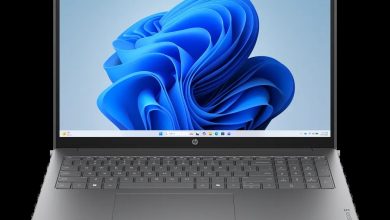
HP OmniBook 3 Laptop AI 16-ct0000nr Driver Download (Windows 11 on ARM)
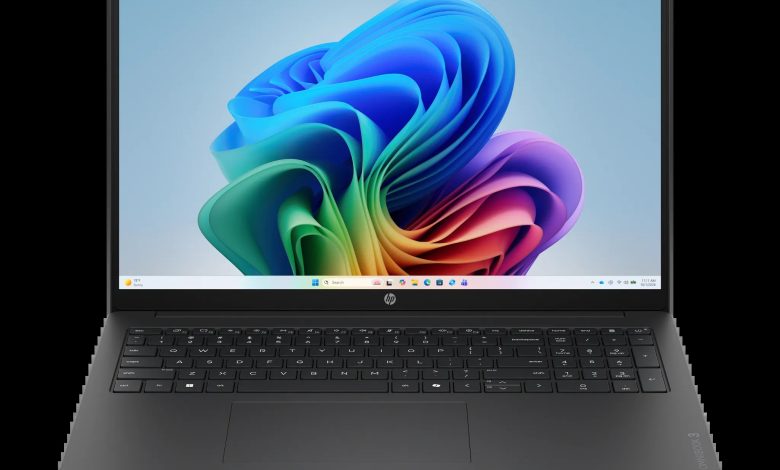
Looking for the HP OmniBook 3 16-ct0000nr driver download for Windows 11 on ARM? This page collects everything HP currently offers for this model in one place. The HP OmniBook 3 Laptop AI 16-ct0000nr (DW4B3UA) is an ARM-only machine powered by the Qualcomm Snapdragon C Platform, so its driver situation is different from Intel and AMD laptops — and this article keeps it honest: HP lists only two downloadable drivers for this model, both SSD firmware updates. Everything else on this laptop — graphics, audio, Wi-Fi and Bluetooth — is handled through Windows Update and HP Support Assistant detection, not through separate downloads on HP’s driver page.
Storage & Firmware Drivers for the HP OmniBook 3 16-ct0000nr
HP posts SSD firmware by drive vendor, so install only the update that matches the SSD fitted in your laptop. Installing the wrong vendor's firmware will simply not apply, but checking first saves a wasted restart. To find your SSD vendor, open Device Manager, expand Disk drives, and note whether the drive name mentions SanDisk or Longsys.
- SanDisk Solid State Drives (SSD) Firmware Update — HPS3N7A/HPS3T7A Rev.A, May 12, 2026, 6.7 MB — sp172977.exe Download
- Longsys Solid State Drives (SSD) Firmware Update — HPS04 Rev.A, Jul 13, 2026, 1.9 MB — sp173821.exe Download
A Note on the Other Drivers
You will not find separate BIOS, chipset, graphics, audio, Wi-Fi and Bluetooth, touchpad, or utility downloads for the HP OmniBook 3 16-ct0000nr on HP's support page, because HP does not publish them as standalone packages for this ARM model. On Windows 11 on ARM, those drivers arrive through Windows Update, and HP Support Assistant can also detect and offer what your machine needs. If a device ever shows a warning in Device Manager, run Windows Update first, then HP Support Assistant, before hunting for a manual package.
How to Install the SSD Firmware
- Confirm your SSD vendor in Device Manager under Disk drives (SanDisk or Longsys).
- Download only the matching firmware file above and close all open programs.
- Run the downloaded file and follow the on-screen prompts; do not switch the laptop off during the update.
- Restart when prompted, then check Device Manager again to confirm the drive is working normally.
FAQs
### Why are there only two drivers for the HP OmniBook 3 16-ct0000nr?
Because HP publishes only two standalone downloads for this ARM model — the SanDisk and Longsys SSD firmware updates. All other drivers for this laptop are delivered through Windows Update and HP Support Assistant, so there is nothing missing from this page; it simply reflects what HP offers.
### How do I update graphics, audio, or Wi-Fi drivers on this Windows 11 on ARM laptop?
Use Windows Update (Settings, then Windows Update, then Check for updates) and HP Support Assistant. Both handle ARM drivers for this machine, and HP's driver page lists no separate packages for those functions.
### How do I know which SSD firmware to install?
Open Device Manager, expand Disk drives, and read the drive name. If it mentions SanDisk, install the SanDisk firmware; if it mentions Longsys, install the Longsys firmware. Never install both — only the one matching your installed drive.
### What about HP Cloud Recovery for this model?
HP's driver page mentions HP Cloud Recovery, but it provides no direct download file, version, or release date for it, so no download link is given here. If you ever need to recover the system, use the HP Cloud Recovery Tool from the Microsoft Store and follow its prompts to create recovery media.