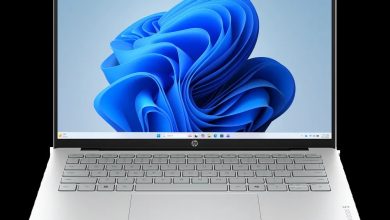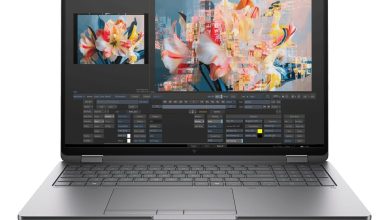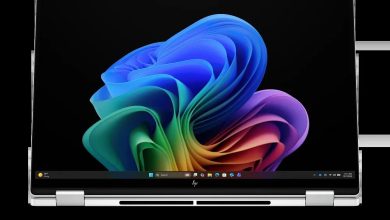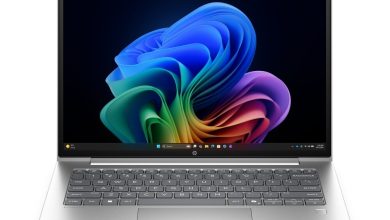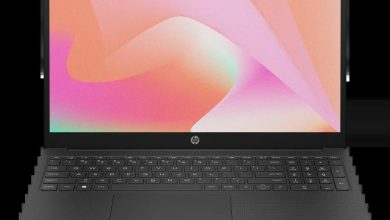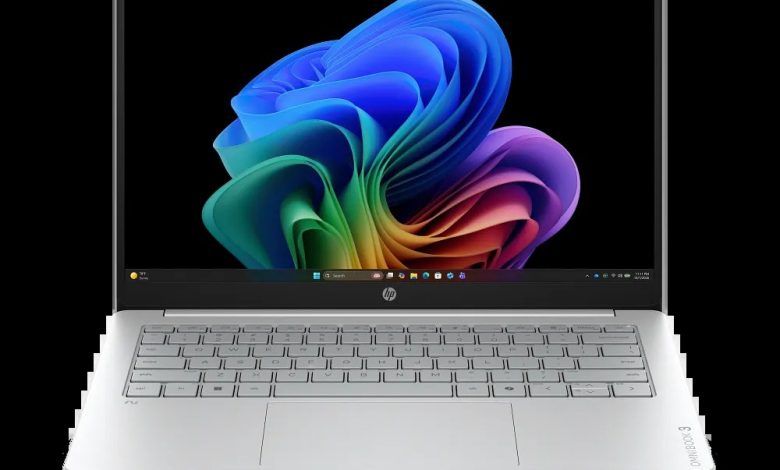
Download the official HP OmniBook 3 Laptop Next Gen AI 14-HZ000 driver download package for Windows 11. This OmniBook 3 14-HZ000 (C3GM8AV_1) runs on a Qualcomm Snapdragon processor, so it uses Windows 11 version 25H2 on ARM (64-bit). HP publishes only two downloads for this ARM64 model — the Qualcomm Driver Pack and the ARM64 hardware diagnostics — and the remaining drivers arrive automatically through Windows Update.
HP OmniBook 3 Laptop Next Gen AI 14-HZ000 Driver Download for Windows 11 on ARM
- Qualcomm Driver Pack — r09300.1 Rev.S, Aug 24, 2026, 446.0 MB — sp174443.exe Download
- HP PC Hardware Diagnostics UEFI (ARM64) — 10.8.6.0 Rev.A, May 11, 2026, 48.1 MB — sp172932.exe Download
How to Install Drivers on the HP OmniBook 3 Laptop Next Gen AI 14-HZ000
- Open Settings > Windows Update on the OmniBook 3 14-HZ000 and install every pending update first — most ARM64 drivers for the Snapdragon model arrive this way.
- Run sp174443.exe Download to install the Qualcomm Driver Pack r09300.1 Rev.S, which covers the Snapdragon chipset, wireless, and graphics components.
- Use sp172932.exe Download to create an HP PC Hardware Diagnostics UEFI USB stick or install the diagnostics utility for offline hardware testing.
- Restart the laptop after installation and verify everything under Device Manager shows no unknown devices.
FAQs
Where can I download the HP OmniBook 3 Laptop Next Gen AI 14-HZ000 driver?
You can download the official HP OmniBook 3 Laptop Next Gen AI 14-HZ000 driver package right from this page — the Qualcomm Driver Pack is linked above with the official HP download URL, and Windows Update covers the rest.
Does the HP OmniBook 3 Laptop Next Gen AI 14-HZ000 use ARM64 drivers?
Yes. The 14-HZ000 is a Qualcomm Snapdragon (ARM64) model running Windows 11 version 25H2 on ARM (64-bit), so only ARM64-signed drivers apply — standard x64 drivers will not install on it.
Why does HP list only two drivers for the 14-HZ000?
HP publishes just the Qualcomm Driver Pack and the ARM64 diagnostics for this Snapdragon model; all remaining drivers are delivered automatically through Windows Update.
How do I install the Qualcomm Driver Pack on Windows 11 on ARM?
Download sp174443.exe from the link above, run it, follow the on-screen installer, and restart the laptop when prompted.