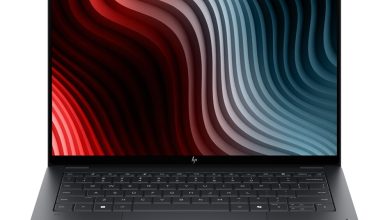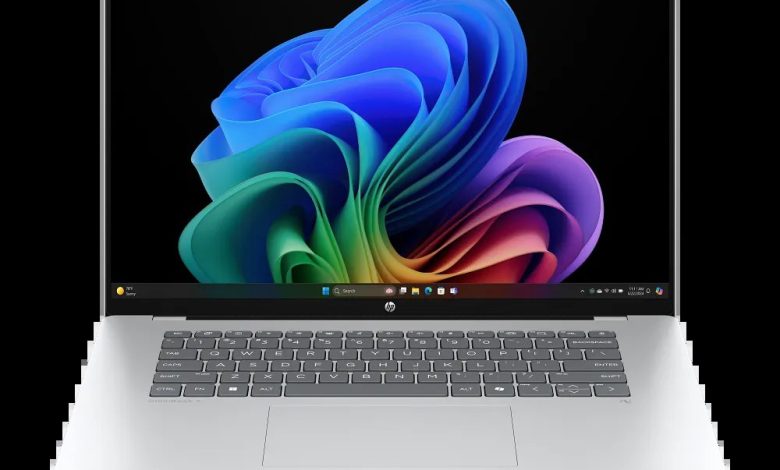
Download the latest HP OmniBook 5 Laptop Next Gen AI 16-fb0027nr drivers for Windows 11 on ARM (64-bit). This page lists the official downloads HP provides for the HP OmniBook 5 Laptop Next Gen AI 16-fb0027nr (SKU BX8M8UA) — a Qualcomm Snapdragon X-powered Copilot+ PC — with direct links to HP's official servers, version numbers, release dates, and file sizes.
All downloads below come straight from HP's official support site. Note that HP publishes only a small driver pack for this ARM64 model; the remaining hardware drivers are delivered automatically through Windows Update.
Chipset
- Qualcomm Driver Pack — 7800 Rev.D, Jul 14, 2025, 211.8 MB — sp161458.exe Download
Utilities & Software
- HP PC Hardware Diagnostics UEFI (ARM64) — 10.8.4.0 Rev.A, Dec 11, 2025, 48.9 MB — sp167304.exe Download
- HP AI Companion Package (Windows 11 ARM64) — 2.6.1003.0 Rev.A, Dec 1, 2025, 4033.9 MB — sp165910.exe Download
How to Install Drivers on the HP OmniBook 5 Laptop Next Gen AI 16-fb0027nr
- Download the driver package you need from the list above.
- Right-click the file and choose Run as administrator to start the installer.
- Follow the on-screen instructions and restart your laptop if asked.
- For BIOS updates, keep the laptop plugged in and do not turn it off during the update.
Frequently Asked Questions
Where can I download HP OmniBook 5 Laptop Next Gen AI 16-fb0027nr drivers for Windows 11 on ARM?
You can download official HP OmniBook 5 Laptop Next Gen AI 16-fb0027nr drivers right from this page — every link points to HP's own servers with the latest version, release date, and file size shown.
Why are there only a few drivers listed for the HP OmniBook 5 Laptop Next Gen AI 16-fb0027nr?
This is a Qualcomm Snapdragon X (ARM64) model. HP publishes the Qualcomm Driver Pack and diagnostics here; the rest of the hardware drivers arrive through Windows Update automatically.
Do the HP OmniBook 5 Laptop Next Gen AI 16-fb0027nr drivers work with Windows 11 25H2?
Yes. Every driver listed here is the official release HP published for Windows 11 on ARM (64-bit) for the HP OmniBook 5 Laptop Next Gen AI 16-fb0027nr (SKU BX8M8UA).
How do I install the Qualcomm Driver Pack on the HP OmniBook 5 Laptop Next Gen AI 16-fb0027nr?
Download sp161458.exe, right-click it, choose Run as administrator, and follow the on-screen instructions. Restart the laptop when the installer finishes.