HyperX OMEN 16-ap1990AX DJ2D7PA Driver Download (Windows 11)
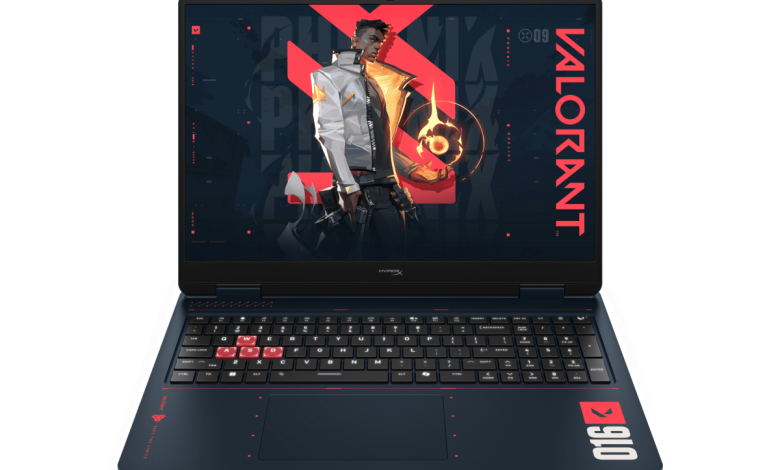
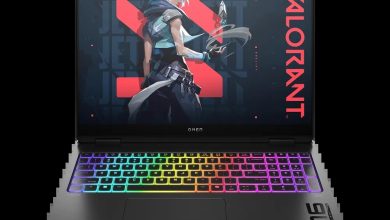
This HyperX OMEN 16-ap1990AX DJ2D7PA driver download page lists all 22 official drivers for the HyperX OMEN 16 inch Gaming Laptop PC 16-ap1990AX (DJ2D7PA) on Windows 11. This gaming laptop pairs an AMD Ryzen 9 processor with an NVIDIA GeForce RTX 5070 graphics card, a 16 inch 2.5K display, 24GB DDR5-5600 memory and a 1TB SSD. Every driver below is the official HP release for this exact model, with its download link, version and file size, so you can get the BIOS, graphics, audio, chipset, network and utility drivers your laptop needs in one place.
Before you start, make sure your laptop is plugged into power and connected to the internet, and check that Windows 11 is up to date. Install the BIOS and chipset drivers first, then the remaining drivers in any order, and restart your laptop after the installs so every driver loads correctly.
Driver Index
- BIOS and System Firmware
- Diagnostics
- Audio Drivers
- Chipset Drivers
- Graphics Drivers
- Keyboard, Mouse and Input Device Drivers
- Network Drivers
- Firmware
- Software – Point of Sale
- Software – Solutions
- Utility Tools
- Installation Steps
- Driver FAQs
BIOS and System Firmware

Diagnostics
Audio Drivers
Chipset Drivers
Graphics Drivers
Keyboard, Mouse and Input Device Drivers
Network Drivers
Firmware
Software – Point of Sale
Software – Solutions
Utility Tools
Installation Steps
- Download the BIOS update and the chipset driver first, then download the remaining drivers for your laptop.
- Run the BIOS update while the laptop is plugged into power, and do not switch it off during the update.
- Install the chipset driver, then the graphics, audio and network drivers, one at a time.
- Install the remaining drivers and utility tools, such as the touchpad drivers, firmware updates and HP Support Assistant.
- Restart your laptop after all installs finish, then check Device Manager to confirm no device shows a warning.
Driver FAQs for HyperX OMEN 16-ap1990AX DJ2D7PA
Where can I download the official drivers for the HyperX OMEN 16-ap1990AX DJ2D7PA?
This HyperX OMEN 16-ap1990AX DJ2D7PA driver download page lists all 22 official HP drivers for this model on Windows 11, each with its own download link, version and file size. Every file comes from HP's official server.
Which drivers should I install first on the HyperX OMEN 16-ap1990AX?
Install the BIOS update (F.04 Rev.A) and the AMD Neural Processing Unit driver first, then the graphics drivers for the NVIDIA GeForce RTX 5070 and the AMD Radeon graphics, followed by the audio, network and remaining drivers.
Are these drivers for Windows 11 only?
Yes. All 22 drivers on this page are the official HP releases for the HyperX OMEN 16-ap1990AX (DJ2D7PA) on plain Windows 11. HP does not list a separate ARM version for this model.
What should I do if a driver fails to install?
Download the driver again from its download panel above, run the installer as administrator, and restart your laptop before trying again. If the problem continues, install the chipset driver first, since several other drivers depend on it.