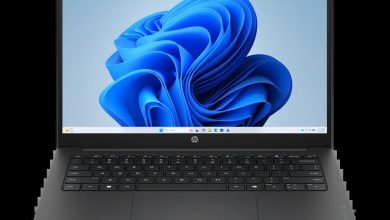
HP Laptop 15-fd0032TX 9E3T5PA Driver Download (Windows 11)
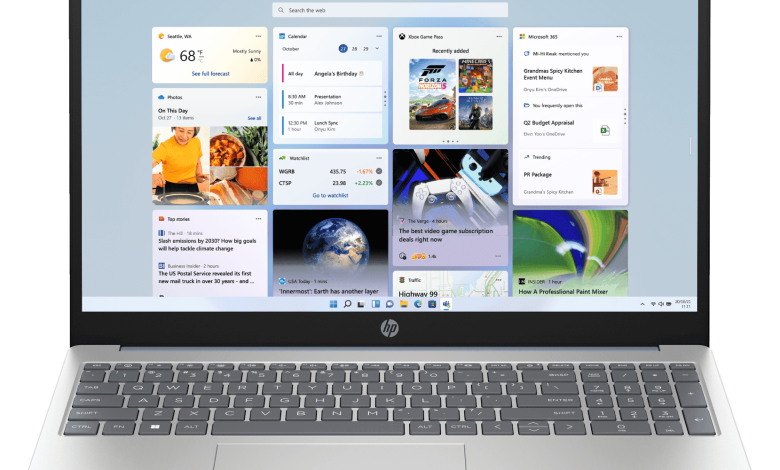
This page is the complete HP Laptop 15-fd0032TX driver download guide for the HP Laptop 15 inch Laptop 15-fd0032TX (9E3T5PA). It covers the 13th Gen Intel Core i5-1334U model with NVIDIA GeForce MX570A graphics, a 15.6 inch Full HD IPS display, 8 GB of DDR4 memory and a 512 GB SSD, running Windows 11 Home Single Language. Every driver below is the official HP release for this exact model on Windows 11, taken from HP's support page, so you can download the right setup file the first time instead of hunting through search results.
Before you start, check that your laptop is plugged into power, close any running programs, and install the chipset drivers first, then graphics, audio and network drivers, restarting the laptop when a setup file asks you to. BIOS and SSD firmware updates should be installed last and only on AC power, and you should never turn the laptop off while a firmware update is running.
Driver Index
- BIOS and System Firmware
- Diagnostics
- Docks Firmware and Driver
- Audio Drivers
- Chipset Drivers
- Driver Enabling
- Graphics Drivers
- Keyboard, Mouse and Input Device Drivers
- Network Drivers
- Firmware
- Software
- Software Solutions
- Installation Steps
- Driver FAQs
BIOS and System Firmware
Diagnostics
Docks Firmware and Driver
Audio Drivers
Chipset Drivers
Driver Enabling
Graphics Drivers
Keyboard, Mouse and Input Device Drivers
Network Drivers
Firmware
Software
Software Solutions

HP Laptop 15 9E3T5PA Tencent Education Application Platform sp146614.exe
Installation Steps
- Find the driver you need in the list above and click its Download button to save the setup file to your laptop.
- Double-click the downloaded setup file and follow the on-screen instructions, accepting the licence agreement when asked.
- Restart the laptop if the installer asks you to, then check Device Manager to confirm the device no longer shows a warning icon.
- Install the drivers in this order for the smoothest setup: chipset, graphics, audio, network, then the remaining drivers, with BIOS and SSD firmware updates last and only while the laptop is plugged into AC power.
- If a setup file says a newer version is already installed, you can skip that driver unless you are fixing a specific problem.
Driver FAQs
Where can I download the official HP Laptop 15-fd0032TX driver?
You can download every official driver for the HP Laptop 15-fd0032TX from this page. Each download panel links straight to HP's official server, and the versions listed here match HP's support page for model 15-fd0032TX (9E3T5PA), so the files are the same ones HP publishes.
Which Windows version do these drivers support?
All 60 drivers on this page are for plain Windows 11 (64-bit), which is the operating system this laptop ships with. They are not Windows 11 on ARM builds, so do not install them on an ARM-based laptop.
Do I need the NVIDIA graphics driver for the 15-fd0032TX?
Yes, if your laptop has the NVIDIA GeForce MX570A graphics card, install the NVIDIA Graphics Driver for 13th generation CPU, version 32.0.15.9197 Rev.B, which is the latest release for this model. The Intel High-Definition Graphics Driver is also needed, because the laptop switches between the Intel and NVIDIA graphics depending on the workload.
What should I do if a driver fails to install?
First make sure you downloaded the driver for this exact model and that Windows 11 is up to date, then right-click the setup file and choose Run as administrator. If it still fails, uninstall the old version of that driver from Device Manager, restart the laptop, and run the setup file again. For a BIOS or firmware update that fails, do not retry it on battery power — plug the laptop into AC power first and try again.