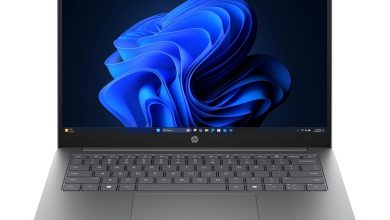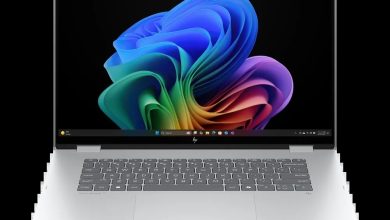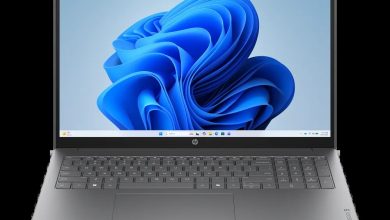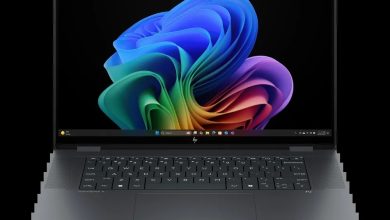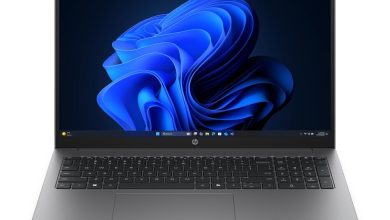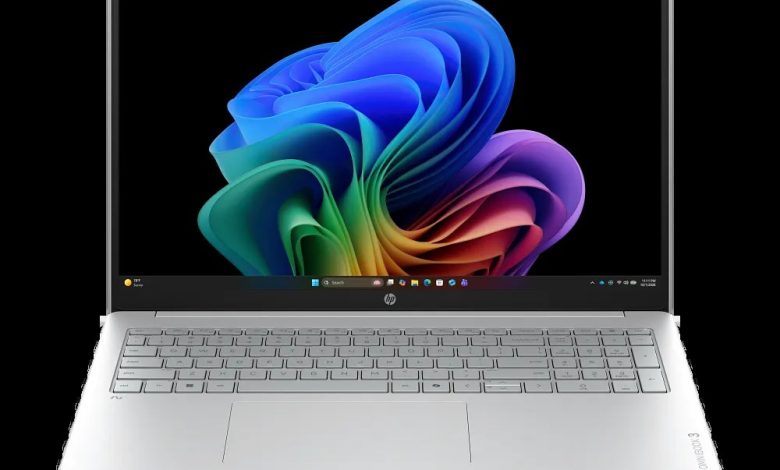
Looking for the HP OmniBook 3 Laptop Next Gen AI 16 driver download? You are in the right place. This page covers the HP OmniBook 3 Laptop Next Gen AI 16 (SKU DH8B0UA) running Windows 11 version 25H2 on ARM (64-bit) — the Qualcomm Snapdragon X edition. HP's official download list for this exact SKU is deliberately short, and that is expected: on the Snapdragon X platform most core drivers ship through Windows Update, and HP supplies one unified Qualcomm Driver Pack plus the HP PC Hardware Diagnostics tools.
Utilities/Software
- HP PC Hardware Diagnostics Windows — 3.1.1.0 Rev.A, May 20, 2026, 618.9 MB — sp173207.exe Download
- HP PC Hardware Diagnostics UEFI (ARM64) — 10.8.7.0 Rev.A, Jul 8, 2026, 40.6 MB — sp173796.exe Download
Chipset
- Qualcomm Driver Pack — r09300.1 Rev.B, Aug 19, 2026, 376.8 MB — sp174413.exe Download
ARM note: This is a Qualcomm Snapdragon X laptop on Windows 11 on ARM. There is no separate downloadable BIOS, chipset, graphics, audio or Wi-Fi package on HP's page for this SKU — those components are delivered via Windows Update and the Qualcomm Driver Pack. Install the Qualcomm Driver Pack if you need the full Qualcomm platform stack, and grab the HP PC Hardware Diagnostics tools if you want hardware testing utilities.
How to install HP OmniBook 3 Next Gen AI 16 drivers
- Run Windows Update first — Settings → Windows Update → Check for updates — since most Snapdragon X drivers arrive through it.
- Download the Qualcomm Driver Pack above and double-click it, then follow the on-screen prompts.
- Restart the laptop when the installer asks.
- Use HP PC Hardware Diagnostics Windows if you ever need to test hardware or read a failure ID for HP support.
FAQs
### Where can I download the HP OmniBook 3 Laptop Next Gen AI 16 drivers? Every link on this page points to HP's own ftp.hp.com servers for the DH8B0UA SKU — the Qualcomm Driver Pack and HP PC Hardware Diagnostics tools. Everything else comes via Windows Update on this ARM model.
### Why are there no separate BIOS, graphics or Wi-Fi downloads for this model? HP does not publish separate driver packages for those components on the Snapdragon X version of this laptop. Windows Update delivers the Qualcomm platform drivers (graphics, Wi-Fi, audio) automatically, and the single Qualcomm Driver Pack above covers the rest.
### How do I know if my HP OmniBook 3 is the ARM version? Open Settings → System → About and check the processor line. If it says Qualcomm Snapdragon X, use this page's Windows 11 on ARM (64-bit) drivers — do not install x64-only packages.
### Is the Qualcomm Driver Pack required for the HP OmniBook 3 16? Not strictly — Windows Update covers the essentials. Install it if you want the complete Qualcomm driver stack from HP, or if a device in Device Manager is missing its driver.