HP ZBook Power G11A 16 9A814AV Driver Download (Windows 11)
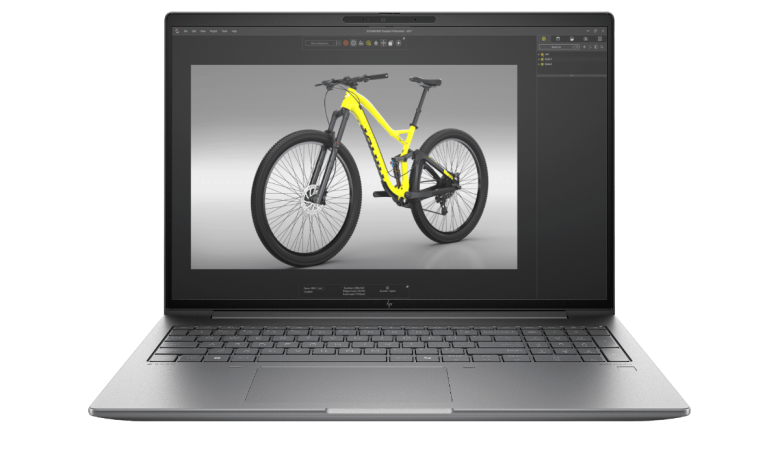
Download the HP ZBook Power G11A 16 9A814AV driver download package for Windows 11 (64-bit) from this page. The HP ZBook Power G11A 16 inch Mobile Workstation PC (9A814AV) pairs an AMD Ryzen AI processor with NVIDIA RTX 2000 Ada graphics, and HP lists 57 official drivers for it across 14 categories, from BIOS and chipset to graphics, network, audio and security software.
Every driver below is an official HP download, taken straight from HP's support page for this model. The latest BIOS is HP BIOS and System Firmware (W85) 01.11.01 Rev.A, and the graphics section covers both the NVIDIA RTX 2000 Ada driver and the AMD integrated graphics drivers, so pick the ones that match your hardware configuration.
Before you start: make sure your laptop runs Windows 11 (64-bit), and install the chipset drivers first so the remaining drivers detect your hardware correctly.
HP ZBook Power G11A 16 9A814AV Driver Index
- BIOS and Firmware
- Diagnostics
- Docks
- Audio
- Chipset
- Enabling
- Graphics
- Keyboard, Mouse and Input Devices
- Network
- Storage
- Firmware
- Software
- Software Security
- Software Solutions
- Installation Steps
- Driver FAQs
BIOS and Firmware
Diagnostics
Docks
Audio
Chipset
Enabling
Graphics

HP ZBook Power G11A 9A814AV AMD Video Driver and Control Panel sp168699.exe
Keyboard, Mouse and Input Devices
Network
Storage
Firmware
Software
Software Security
Software Solutions
Installation Steps
- Download the driver package you need from the section above and save the file to your Desktop or Downloads folder.
- Right-click the downloaded file and select Run as administrator, then follow the on-screen prompts to complete the installation.
- Repeat the process for the remaining drivers, installing the chipset drivers first and the graphics and network drivers next.
- Restart your laptop after installing the drivers so Windows can load them correctly.
- Open Device Manager to confirm no device shows a warning, and run Windows Update to catch any remaining updates.
Driver FAQs
Where can I download the HP ZBook Power G11A 16 9A814AV driver download files for Windows 11?
You can download the HP ZBook Power G11A 16 9A814AV driver download files from this page. All 57 drivers are official HP releases for Windows 11 (64-bit), organised by category, and each download comes from HP's official server.
Are these drivers only for Windows 11 64-bit?
Yes. Every driver on this page is listed by HP for Windows 11 (64-bit) on the ZBook Power G11A 16 (9A814AV). There is no 32-bit version of these drivers, and drivers for other operating systems are not included here.
In which order should I install the drivers?
Install the chipset drivers first, then the graphics drivers, followed by network, audio and the remaining drivers. Installing the chipset package first lets Windows recognise the rest of the hardware, which avoids failed installations and unknown devices in Device Manager.
What should I do if a driver fails to install?
Run the installer again as an administrator and restart your laptop before retrying. If it still fails, download the file again in case the first download was incomplete, and check Device Manager to see whether the device is already using a newer driver from Windows Update.