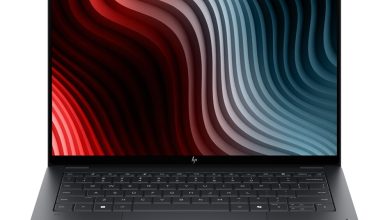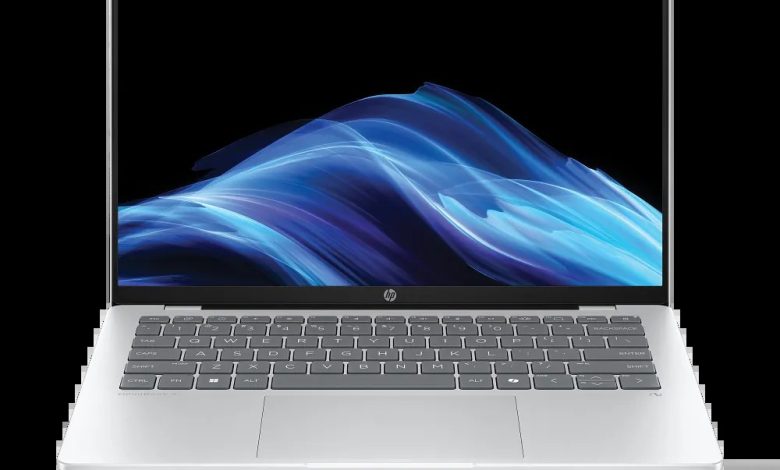
Official HP OmniBook 5 14-he000 (B78YXAV_1) driver download for Windows 11 on ARM (64-bit). This is a Qualcomm Snapdragon X ARM laptop — install the Qualcomm Driver Pack first, and never install Intel or AMD driver packages on this machine. HP only lists ARM64 packages for this model.
BIOS & Firmware
- HP PC Hardware Diagnostics UEFI (ARM64) — 10.8.6.0 Rev.A — May 11, 2026 — 48.1 MB — sp172932.exe Download
Chipset & Platform
- Qualcomm Driver Pack — 8900 Rev.D — Jun 17, 2026 — 229.0 MB — sp173598.exe Download
Touchpad & Input
- ELAN Touchscreen Firmware Update — eKTH3918N_0x6701 Rev.0x6701 — May 7, 2026 — 1.3 MB — sp172888.exe Download
Software & Utilities
- HP Privacy Settings — 1.4.17.0 Rev.A — Jan 2, 2026 — 283.6 MB — sp168489.exe Download
- HP AI Companion Package (Windows 11 ARM64) — 2.6.1003.0 Rev.A — Dec 1, 2025 — 4033.9 MB — sp165910.exe Download
How to Install
- Download and install the Qualcomm Driver Pack (sp173598.exe) first.
- Install HP PC Hardware Diagnostics UEFI (ARM64) for built-in testing.
- Add the ELAN touchscreen firmware, HP Privacy Settings, and HP AI Companion (ARM64).
- Restart after each install; skip any x64/Intel/AMD driver — this is an ARM laptop.
FAQs
How do I get the HP OmniBook 5 14-he000 Snapdragon driver download for Windows 11?
Right here — every link above points to HP’s official ftp.hp.com servers, ARM64 packages only.
Can I install Intel or AMD drivers on this laptop?
No — the B78YXAV_1 is a Snapdragon ARM machine. Intel/AMD installers will not run on it.
Which driver should I install first?
The Qualcomm Driver Pack — it contains the core platform drivers everything else depends on.
Are these Snapdragon drivers official?
Yes — every package is published by HP for this exact model and SKU.