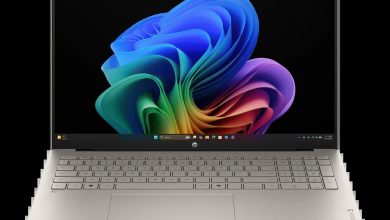
HP OmniBook 7 Laptop AI 16t-ay000 B0RT6AV Driver Download (Windows 11)
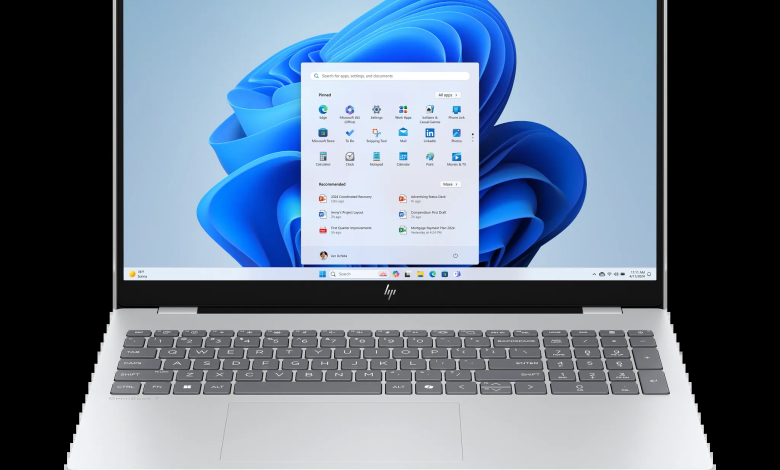
The HP OmniBook 7 Laptop AI 16t-ay000 B0RT6AV is a 16-inch AI laptop built around Intel Core processors with optional NVIDIA graphics, and this page brings together every official driver HP publishes for it on Windows 11. The HP OmniBook 7 Laptop AI 16t-ay000 B0RT6AV driver download below covers all 39 drivers, from the BIOS and chipset to graphics, audio, network, and firmware, each one linked straight from HP's official server.
Each driver below is listed as a separate download panel with its version and file size, so you can grab exactly what you need. Install the chipset drivers first, then graphics, network, and audio, and restart the laptop when an installer asks you to.
Before you start: connect the laptop to AC power, close all open programs, and do not switch the laptop off while a BIOS or firmware update is running. If your laptop uses a different wireless or touchpad part than the one you picked, check Device Manager first so you install the matching variant.
HP OmniBook 7 Laptop AI 16t-ay000 B0RT6AV Driver Index
- BIOS and Firmware
- Diagnostics
- Audio
- Chipset
- Graphics
- Keyboard, Mouse and Input Devices
- Network
- Firmware
- Software
- Software Solutions
- Utility Tools
- Installation Steps
- Driver FAQs
BIOS and Firmware

Diagnostics
Audio
Chipset
Graphics
Keyboard, Mouse and Input Devices
Network
Firmware
Software
Software Solutions
Utility Tools
Installation Steps
- Download the driver you need from its panel above and save the file to your Desktop or Downloads folder.
- Close all open programs, then right-click the downloaded file and choose Run as administrator.
- Follow the installer's on-screen prompts and wait for it to finish before starting the next driver.
- Restart the laptop whenever an installer asks you to, so the new driver loads properly.
- After installing, open Device Manager and check that no device shows a yellow warning icon. You can also run HP Support Assistant to confirm everything is up to date.
Driver FAQs
Where can I download the HP OmniBook 7 Laptop AI 16t-ay000 B0RT6AV drivers?
You can download every HP OmniBook 7 Laptop AI 16t-ay000 B0RT6AV driver from the panels on this page. Each panel links to the official setup file on HP's server, with the version and file size shown, so you always get the exact file HP published for this model.
Which operating system do these drivers support?
All 39 drivers on this page are for Windows 11 (64-bit). They were taken from HP's support page for this model with plain Windows 11 selected, so they match a standard Windows 11 installation on the 16t-ay000.
Should I install the BIOS update?
Yes, if your laptop is running an older BIOS version. The BIOS update here is version F.13 Rev.A, and it can improve stability and hardware support. Keep the laptop on AC power during the update, close all programs, and never switch it off while the update is running.
Do I need to install all 39 drivers?
Not necessarily. Install the chipset drivers first, then the graphics, network, and audio drivers that match your hardware. Some drivers are variants for different parts, such as the Intel and MediaTek wireless drivers or the Synaptics and ELAN touchpad drivers, so install only the one that matches your laptop and skip the other.
Keeping the drivers on your HP OmniBook 7 Laptop AI 16t-ay000 B0RT6AV up to date is the simplest way to keep Wi-Fi, sound, graphics, and the touchpad working as HP intended. Bookmark this page and check back whenever HP publishes a newer version.