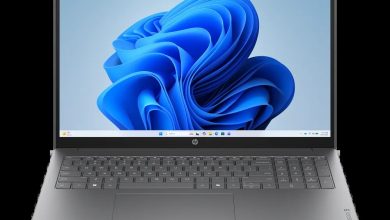
HP OmniBook 5 LaptopAI 14-mh0515nr E72VNUA Driver Download (Windows 11)
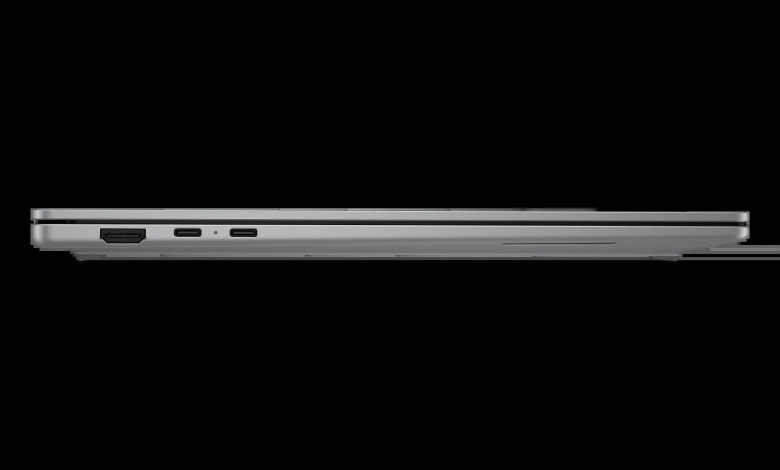
This HP OmniBook 5 LaptopAI 14 mh0515nr E72VNUA driver download page brings together all 17 official drivers for the HP OmniBook 5 LaptopAI 14-mh0515nr (E72VNUA) on Windows 11 (64-bit), straight from HP's official server. Every download button below gives you the latest version HP published for this laptop — BIOS, diagnostics, audio, chipset, graphics, keyboard, and network drivers — so you can get your laptop fully set up without hunting through HP's support site driver by driver.
Before you start: make sure your laptop is running Windows 11 (64-bit) and is plugged into AC power, especially before installing the BIOS update. Install the chipset drivers first, then graphics, audio, and network, and restart your laptop after the BIOS and graphics updates so the new drivers load properly.
HP OmniBook 5 LaptopAI 14-mh0515nr E72VNUA Driver Index
- BIOS and Firmware
- Diagnostics
- Audio
- Chipset
- Graphics
- Keyboard, Mouse and Input Devices
- Network
- Installation Steps
- Driver FAQs
BIOS and Firmware

Diagnostics
Audio
Chipset
Graphics
Keyboard, Mouse and Input Devices
Network
Installation Steps
- Download the driver you need by clicking its Download button above — the file comes directly from HP's official server.
- Once the download finishes, double-click the setup file to start the installer.
- Follow the on-screen instructions and accept the license agreement when prompted.
- Restart your laptop when the installer asks, especially after the BIOS, chipset, and graphics drivers, so the new driver takes effect.
- Repeat the same steps for the remaining drivers, and restart once more at the end if any installer asks for it.
Driver FAQs
Where can I find the HP OmniBook 5 LaptopAI 14 mh0515nr E72VNUA driver download for Windows 11?
You are on the right page. This HP OmniBook 5 LaptopAI 14 mh0515nr E72VNUA driver download page lists all 17 official drivers for this laptop on Windows 11 (64-bit), each with its own Download button that pulls the setup file from HP's official server.
Do I need to install all 17 drivers?
For a fresh Windows 11 install, yes — install the chipset drivers first, then graphics, audio, network, and the rest. If your laptop is already working and you only have one problem, such as no Wi-Fi or no sound, you can install just the matching driver, but keeping the BIOS and chipset drivers current is good practice.
Is it safe to update the BIOS on the OmniBook 5 LaptopAI 14-mh0515nr?
Yes, as long as the laptop stays plugged into AC power and you do not turn it off or close the lid while the BIOS update is running. The BIOS update here is version F.02 Rev.A, published by HP for this exact model, and the installer will not start if the battery is too low.
Why is my Wi-Fi not working after a Windows reinstall?
A fresh Windows install often lacks the wireless drivers. Install the Realtek RTL8xxx Wireless LAN driver (version 1.0.0.284) and the Intel Wireless LAN driver from the Network section above, then restart your laptop. If Wi-Fi still does not appear, install the Intel Bluetooth driver from the Chipset section as well, since the wireless and Bluetooth drivers work together on this laptop.