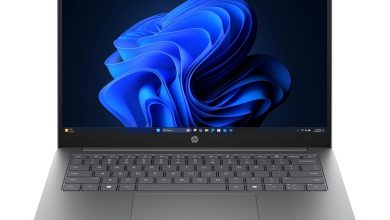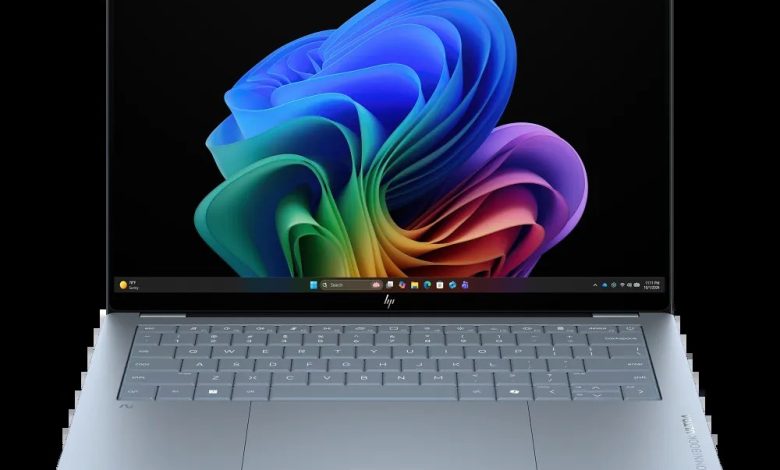
This page has the official HP OmniBook Ultra Laptop Next Gen AI 14 (C92SVAV_1) driver download for Windows 11 on ARM (64-bit). This is a Qualcomm Snapdragon X2 Plus machine (ARM64), so HP lists just one driver package for it — the Qualcomm Driver Pack, which bundles everything the laptop needs.
Drivers
- Qualcomm Driver Pack — 4500×6 Rev.D, Mar 27, 2026, 446.4 MB — sp172128.exe Download
How to Install
- Download the Qualcomm Driver Pack using the link above.
- Run the installer as administrator and let it finish completely.
- Restart the laptop when prompted.
FAQs — HP OmniBook Ultra 14 (C92SVAV_1) Drivers
Where can I download HP OmniBook Ultra 14 (C92SVAV_1) drivers for Windows 11?
You can download the official driver package from the HP-hosted link above — it comes straight from HP's support site.
Is the HP OmniBook Ultra 14 (C92SVAV_1) an ARM or Intel laptop?
This configuration (C92SVAV_1) runs on a Qualcomm Snapdragon X2 Plus processor (ARM64) with Windows 11 on ARM (64-bit). Install the Qualcomm Driver Pack only.
Why is there only one driver listed?
HP consolidates all required drivers for this Snapdragon configuration into a single Qualcomm Driver Pack — no separate audio, network or chipset packages are published for it.
Can I install Intel or AMD drivers from another HP page on this laptop?
No — Intel/AMD driver packages are built for x64 systems and will not work on this ARM64 machine. Use the Qualcomm Driver Pack above.