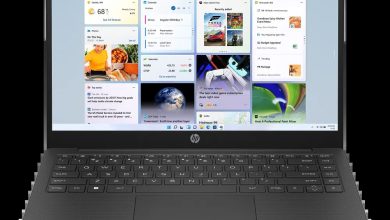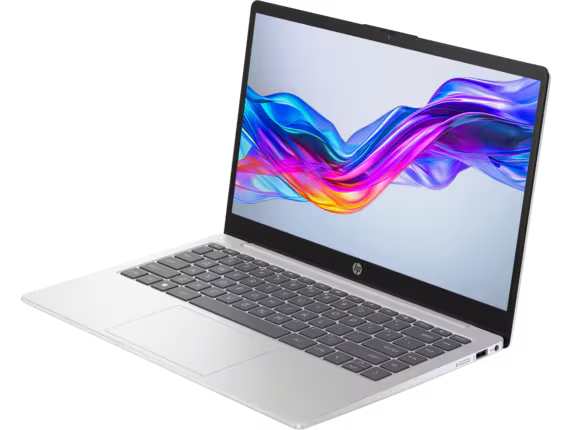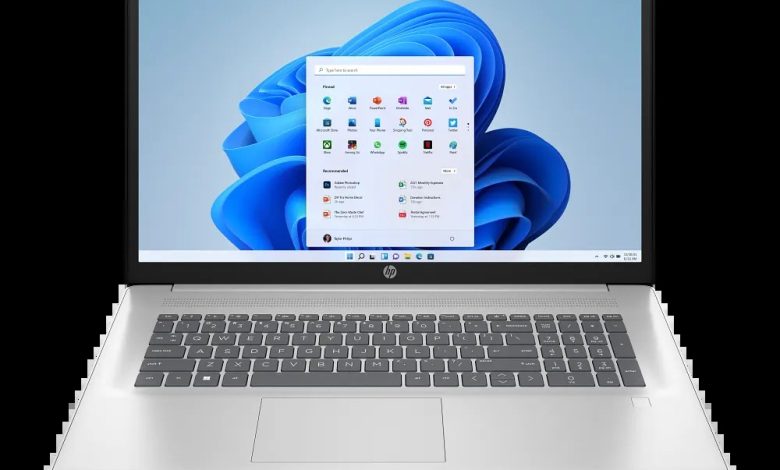
Official HP Laptop 17-cn3077nr driver download page for Windows 11 (SKU B6RX2UA). Every driver below is the current package from HP — start with BIOS and chipset, then graphics, audio, and wireless. If your unit has a fingerprint reader, install the ELAN Fingerprint Sensor driver too.
BIOS & Firmware
- HP Notebook System BIOS Update (Intel Processors) — F.12 Rev.A, Sep 19, 2025, 68.7 MB — sp163275.exe Download
- HP Notebook System BIOS Update (Intel Processors) — F.14 Rev.A, May 4, 2026, 86.4 MB — sp172778.exe Download
- HP PC Hardware Diagnostics UEFI — 10.8.5.0 Rev.A, Mar 13, 2026, 48.9 MB — sp171649.exe Download
- SanDisk Solid State Drives (SSD) Firmware Update — HPS3N7A/HPS3T7A Rev.A, May 12, 2026, 6.7 MB — sp172977.exe Download
- Samsung SSD Firmware Update — HPS4NHAV Rev.A, Oct 17, 2023, 2.2 MB — sp149650.exe Download
- Western Digital SSD Firmware Update — HPS2 /HPS2T Rev.A, Mar 1, 2025, 6.2 MB — sp156920.exe Download
Chipset & Platform
- Intel Integrated Sensor Solution Driver — 3.1.0.4599 Rev.A, May 15, 2026, 0.8 MB — sp172799.exe Download
- Intel Gaussian and Neural Accelerator Driver — 3.5.0.1611 Rev.A, Apr 29, 2026, 0.8 MB — sp172680.exe Download
- Intel Serial IO Driver — 30.100.2527.40 Rev.A, May 15, 2026, 1.1 MB — sp172789.exe Download
Graphics — HP Laptop 17-cn3077nr
- Intel High-Definition (HD) Graphics Driver — 32.0.101.7077 Rev.A, Jan 9, 2026, 565.6 MB — sp168876.exe Download
Audio — HP Laptop 17-cn3077nr
- Realtek High-Definition (HD) Audio Driver — 6.0.9954.1 Rev.A, Mar 13, 2026, 347.5 MB — sp171720.exe Download
Network (Wi-Fi/Bluetooth)
- Realtek RTL8xxx Series Bluetooth Driver — 1.0.0.182 Rev.S, Apr 13, 2026, 2.0 MB — sp172371.exe Download
- Realtek RTL8xxx Wireless LAN Drivers — 1.0.0.272 Rev.S, Aug 22, 2025, 17.1 MB — sp162860.exe Download
- Realtek RTL8xxx Wireless LAN Drivers — 1.0.0.258 Rev.S, Nov 15, 2024, 12.7 MB — sp155768.exe Download
- Intel WLAN Driver — 24.10.0.4 Rev.A, Dec 18, 2025, 15.2 MB — sp168463.exe Download
- Intel Bluetooth Driver — 24.20.0.3 Rev.A, Feb 24, 2026, 12.4 MB — sp171401.exe Download
Touchpad & Input
- Synaptics Precision Touchpad Filter Driver — 19.5.35.126 Rev.A, May 7, 2026, 5.3 MB — sp172889.exe Download
- ELAN Fingerprint Sensor Driver — 3.2.12011.40007 Rev.A, May 7, 2026, 1.3 MB — sp172885.exe Download
Software & Utilities
- HP PC Hardware Diagnostics Windows — 3.2.0.0 Rev.A, Aug 6, 2026, 835.3 MB — sp174215.exe Download
- HP Connection Optimizer — 2.0.21.0 Rev.A, Jun 13, 2025, 4.2 MB — sp160169.exe Download
- HP Support Assistant — 9.55.10.0 Rev.A, Aug 25, 2026, 169.5 MB — sp174448.exe Download
How to Install
- Download the driver file (the .exe link) for your component.
- Double-click the file and follow the on-screen installer.
- Restart the laptop when prompted, especially after BIOS and graphics updates.
- Install chipset drivers before graphics and audio drivers for best results.
FAQs
How do I get the HP Laptop 17-cn3077nr driver download for Windows 11?
Right here — every link above points to HP's official download server (ftp.hp.com).
Which driver should I install first on the HP Laptop 17-cn3077nr?
BIOS and chipset drivers first, then graphics, audio, and wireless.
Are these HP Laptop 17-cn3077nr drivers official?
Yes — all packages are published by HP for this exact model.
Do I need to update the BIOS on the HP Laptop 17-cn3077nr?
Only if you need a fix it provides. Keep the laptop plugged in and never interrupt a BIOS update.